




01. Edit your form online
Type text, add images, blackout confidential details, add comments, highlights and more.

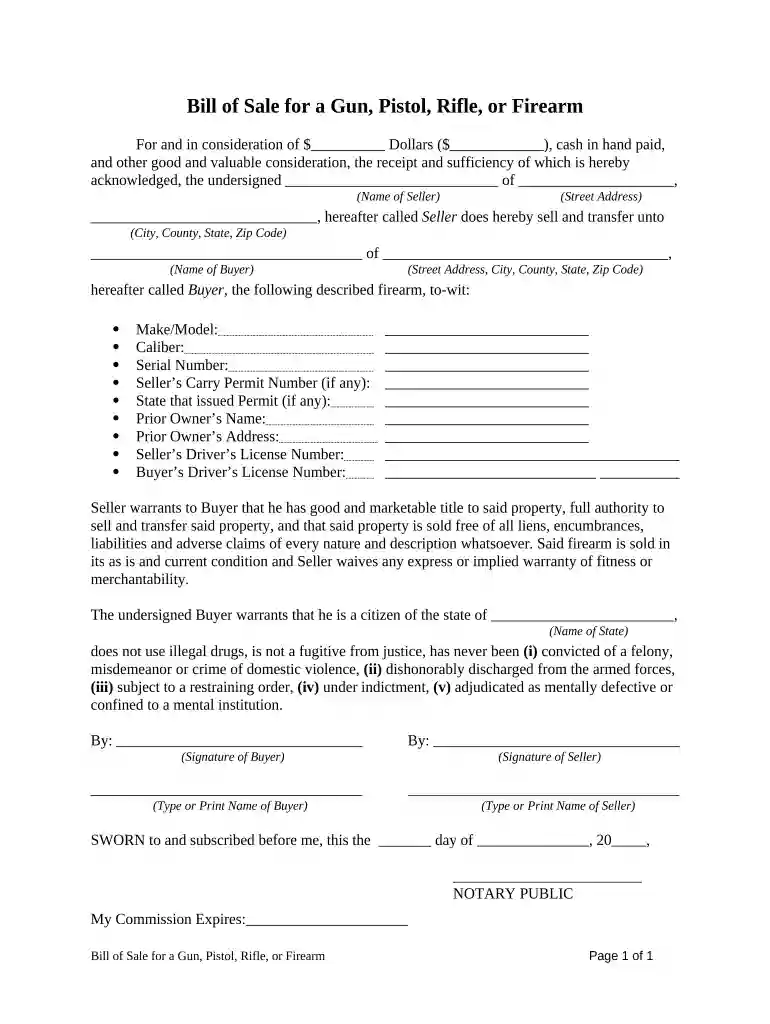
Type text, add images, blackout confidential details, add comments, highlights and more.

Draw your signature, type it, upload its image, or use your mobile device as a signature pad.

Send it via email, link, or fax. You can also download it, export it or print it out.

Start using our platform today to streamline your firearm sale process for free!
Microsoft Word doesn’t have signing tools to create legitimate eSignatures and enforceable paperwork. Fortunately, DocHub is an online eSignature-compliant editor that supports various file formats, such as .doc files. Sign in to your account and upload the Word version of your sale firearm from your device and cloud, or URL - our editor will automatically transform it into an editable PDF. Make all essential changes in your document and click Sign to create your own legally-binding eSignature. There are four signing methods from which to choose.
Apart from an extensive toolset for editing PDFs on mobile devices, DocHub enables you to sign your sale firearm along the way. Open our editor in your browser, make modifications using DocHub’s toolset, and complete your editing by eSigning the finished form.
At DocHub, your data security is our priority. We follow HIPAA, SOC2, GDPR, and other standards, so you can work on your documents with confidence.

Jul 13, 2020 Our estimates indicate that almost three million more firearms have been sold since March than would have ordinarily been sold during these months.Read more
Apr 28, 2023 The Scarab is a burst pistol that excels at close to medium range encounters. It is unlocked through Osiris and is an Uncommon item.Read more
May 5, 2026 Federal law prohibits the sale of most firearms (including handguns) to people who live in a different state from where the sale is taking place.Read more


