01. Edit your arizona corporation commission login online
Type text, add images, blackout confidential details, add comments, highlights and more.
02. Sign it in a few clicks
Draw your signature, type it, upload its image, or use your mobile device as a signature pad.
03. Share your form with others
Send az corporation commission login via email, link, or fax. You can also download it, export it or print it out.
How to use or fill out az corporation with our platform
Ease of Setup
DocHub User Ratings on G2
Ease of Use
DocHub User Ratings on G2
Click ‘Get Form’ to open the az corporation document in the editor.
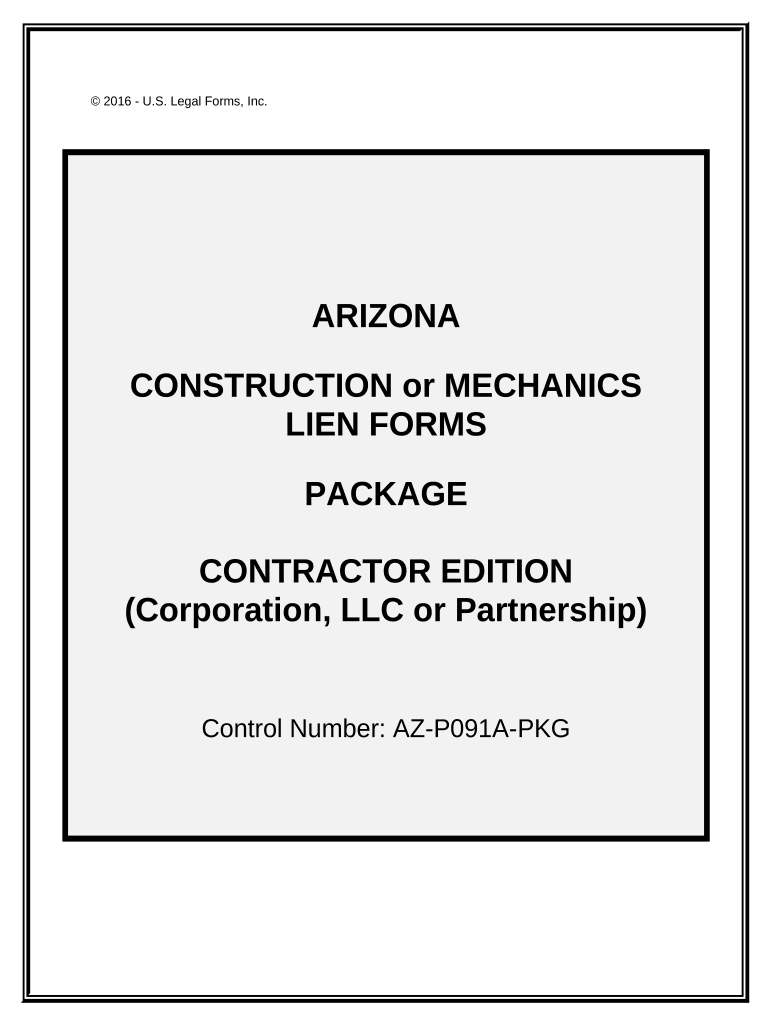
Begin with the 'Preliminary 20-Day Notice' section. Enter the date you first provided services or materials, ensuring it is within the required timeframe.
Next, navigate to the 'Request for Information' field. Fill in your corporation's details and specify the information you are requesting from the property owner.
Proceed to complete the 'Notice of Claim of Lien.' Ensure that all necessary details about the property and services rendered are accurately filled out.
For 'Notice of Completion,' verify that it is signed and dated by the owner or their agent before submission.
Finally, review all sections for accuracy. Use our platform’s tools to save your progress and make any necessary edits before finalizing your forms.
Start using our platform today for free to streamline your form completion process!
Arizona Corporation Commission (Paid) - Phoenix, AZ
the ACC is a medium-sized agency with offices in Phoenix and Tucson. Our mission is diversespanning utility rate making; securities registration andRead more
Cookie consent notice
This site uses cookies to enhance site navigation and personalize your experience.
By using this site you agree to our use of cookies as described in our Privacy Notice.
You can modify your selections by visiting our Cookie and Advertising Notice.