




01. Edit your 41 u s code 6503 online
Type text, add images, blackout confidential details, add comments, highlights and more.

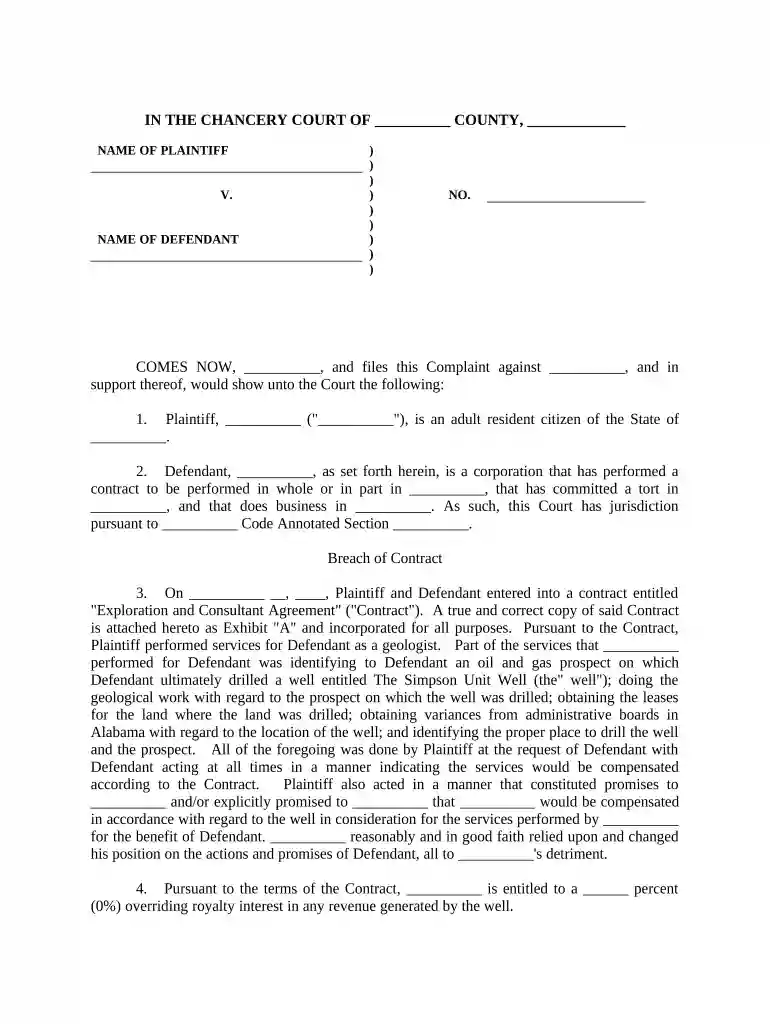
Type text, add images, blackout confidential details, add comments, highlights and more.

Draw your signature, type it, upload its image, or use your mobile device as a signature pad.

Send it via email, link, or fax. You can also download it, export it or print it out.

Start editing your breach contract today for free on our platform!
At DocHub, your data security is our priority. We follow HIPAA, SOC2, GDPR, and other standards, so you can work on your documents with confidence.
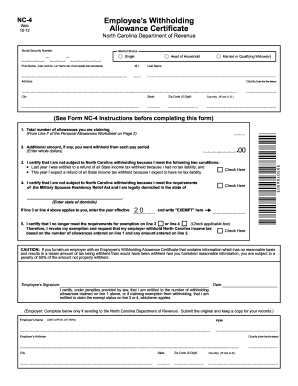

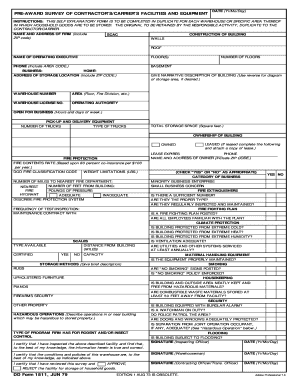
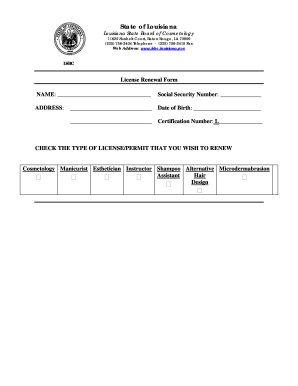


A bDocHub of contract occurs whenever a party who entered a contract fails to perform their promised obligations.Read more
Most contracts for sale provide that the seller may retain, as liquidated damages, all deposits made by the buyer in the event of a material bDocHub. The amountRead more
BDocHub of contract happens when one party to a valid contract fails to fulfill their side of the agreement. If a party doesnt do what the contract says theyRead more


