Motion summary judgment 2026

Get Form
motion summary judgment Preview on Page 1

Here's how it works

01. Edit your form online
Type text, add images, blackout confidential details, add comments, highlights and more.

02. Sign it in a few clicks
Draw your signature, type it, upload its image, or use your mobile device as a signature pad.

03. Share your form with others
Send it via email, link, or fax. You can also download it, export it or print it out.

How to use or fill out motion summary judgment with our platform

Form edit decoration
9.5
Ease of Setup
DocHub User Ratings on G2
9.0
Ease of Use
DocHub User Ratings on G2
  1. Click ‘Get Form’ to open the motion summary judgment document in the editor.
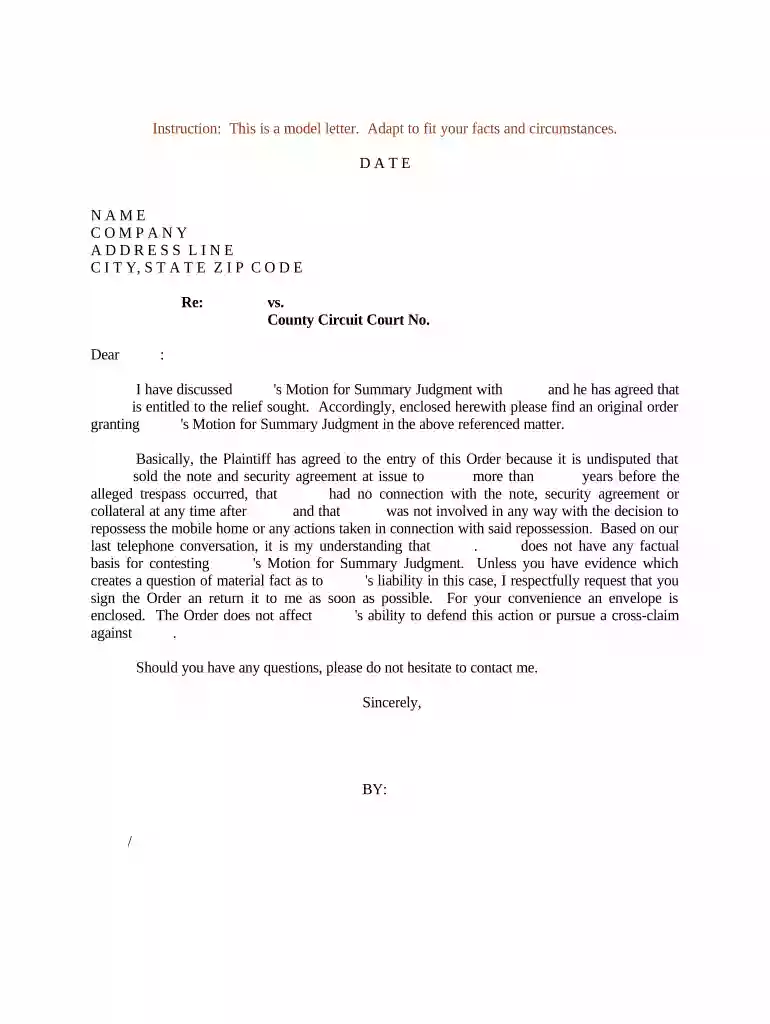
  2. Begin by entering the date at the top of the form. This is crucial for establishing a timeline for your case.
  3. Fill in your name, company, and address details in the designated fields. Ensure accuracy as this information identifies you as the sender.
  4. In the 'Re:' section, specify the subject of your motion clearly to provide context for the recipient.
  5. Complete the 'vs.' section with the opposing party's name and include relevant court details such as County Circuit Court number.
  6. Draft a concise explanation of your agreement regarding the motion for summary judgment, ensuring all parties' names are correctly mentioned.
  7. Conclude by requesting a signature on the order and provide an envelope for convenience, reinforcing a smooth process.

Start using our platform today to streamline your document editing and signing experience!

be ready to get more

Complete this form in 5 minutes or less

Get form

Got questions?

We have answers to the most popular questions from our customers. If you can't find an answer to your question, please contact us.
Contact us
Consider the following five approaches: Show that the motion fails to list the specific facts and law supporting summary judgment. Show that a dispute exists on a material fact. Show that the law does not support judgment on the undisputed facts.
A motion for summary judgment asks the judge to decide on specific claims or the entire case without proceeding to a full trial. It essentially asserts that there are no disputes over material facts.
If summary judgment is denied, then the case will move forward to trial and the costs of litigation to both sides will likely increase substantially.
One of the main reasons to file a motion for summary judgment is that its usually quicker and less expensive than going to trial. A summary judgment may be appropriate if your case is relatively straightforward and the facts are undisputed.
Once the summary judgment is granted, the case ends there, and neither party will have to deal with the stresses of a full trial. At times, the winning party can ask for an award of costs or attorney fees from the other party unless those terms were already established in the summary judgment.

People also ask

The odds of winning a summary judgment, known as the grant rate, vary widely by case type. The most common grant of summary judgment is in Title VII and employment cases. These are granted in whole in 49.2% of cases, in part in 23.3% of cases, and denied in 27.5% of cases.

Related links