




01. Edit your order application online
Type text, add images, blackout confidential details, add comments, highlights and more.

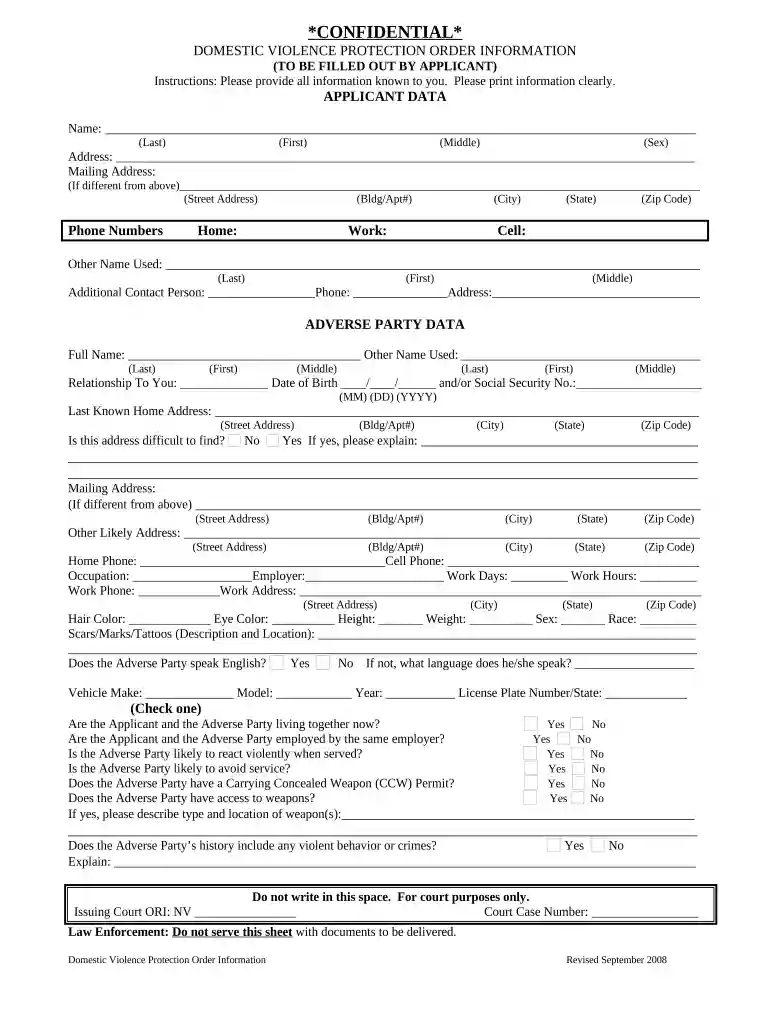
Type text, add images, blackout confidential details, add comments, highlights and more.

Draw your signature, type it, upload its image, or use your mobile device as a signature pad.

Send it via email, link, or fax. You can also download it, export it or print it out.

Start using our platform today to complete your domestic violence order application easily and for free!
At DocHub, your data security is our priority. We follow HIPAA, SOC2, GDPR, and other standards, so you can work on your documents with confidence.




If a court issues an ex parte protective order, the court shall have the order delivered to the appropriate local law enforcement agency for expedited serviceRead more
by W Nussbaum 2015 Cited by 7 Indeed, there are many aspects of an adolescents abuse on a parent that differ from domestic violence directed towards an intimate partner on which many of ourRead more


