2011 form medical-2026

Get Form
2011 form medical Preview on Page 1

Here's how it works

01. Edit your form online
Type text, add images, blackout confidential details, add comments, highlights and more.

02. Sign it in a few clicks
Draw your signature, type it, upload its image, or use your mobile device as a signature pad.

03. Share your form with others
Send it via email, link, or fax. You can also download it, export it or print it out.

How to use or fill out 2011 form medical with our platform

Form edit decoration
9.5
Ease of Setup
DocHub User Ratings on G2
9.0
Ease of Use
DocHub User Ratings on G2
  1. Click ‘Get Form’ to open the 2011 form medical in the editor.
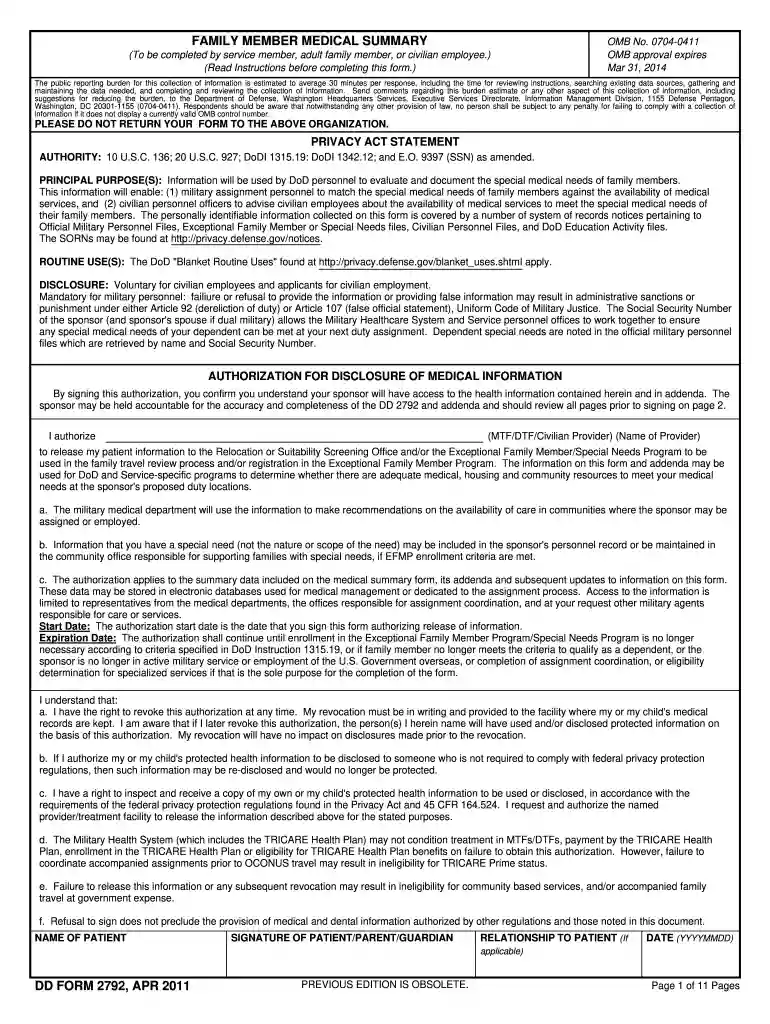
  2. Begin by filling out the Demographics/Certification section on page 2. Ensure you provide accurate information about the family member, including their name, date of birth, and any relevant medical history.
  3. In Item 3, list all active diagnoses for the family member. Use one line per diagnosis and include ICD or DSM designations as required.
  4. Complete the Medical Summary section starting on page 4. This part must be filled out by a qualified medical professional, detailing treatment plans and prognosis for each diagnosis.
  5. If applicable, complete any required addenda related to asthma, mental health, or autism spectrum disorders. These addenda should only be filled out if indicated in Item 10 of the main form.
  6. Review all entries for accuracy before signing. The Parent/Guardian or Person of Majority Age must certify that all information is correct in Item 6 on page 2.

Start using our platform today to fill out your forms online for free!

See more 2011 form medical versions

We've got more versions of the 2011 form medical form. Select the right 2011 form medical version from the list and start editing it straight away!
Versions Form popularity Fillable & printable
2021 4.8 Satisfied (189 Votes)
2014 4.4 Satisfied (62 Votes)
2011 4.1 Satisfied (65 Votes)
2006 4 Satisfied (60 Votes)
be ready to get more

Complete this form in 5 minutes or less

Get form

Got questions?

We have answers to the most popular questions from our customers. If you can't find an answer to your question, please contact us.
Contact us
​ A stand alone Medical Records Release and Authorization to Use and Disclose Health Information Form will state that this authorization does not have an expiration date (unless superceded by state or local laws).
The patient may enter the date he/she wants the authorization to expire. The patient may enter an expiration event. The patient may enter a date range of information to be shared. If no expiration date is specified, this authorization is good for 12 months from the date signed in Section IX.
Medical forms are more than paperwork theyre the building blocks of patient care, capturing crucial details about the patients and setting up the path to their proper care. Heres a list of some of the most common and important medical forms, their purpose, and features.
How long is a HIPAA authorization valid? A HIPAA authorization is valid until a patient or their personal representative revokes it unless an expiry date is included in the initial authorization form.
QUICK SUMMARY: Under Californias Confidentiality of Medical Information Act, a patients consent for the use or disclosure of their health information is valid only for one year from the date they sign.