




01. Edit your order of dismissal online
Type text, add images, blackout confidential details, add comments, highlights and more.

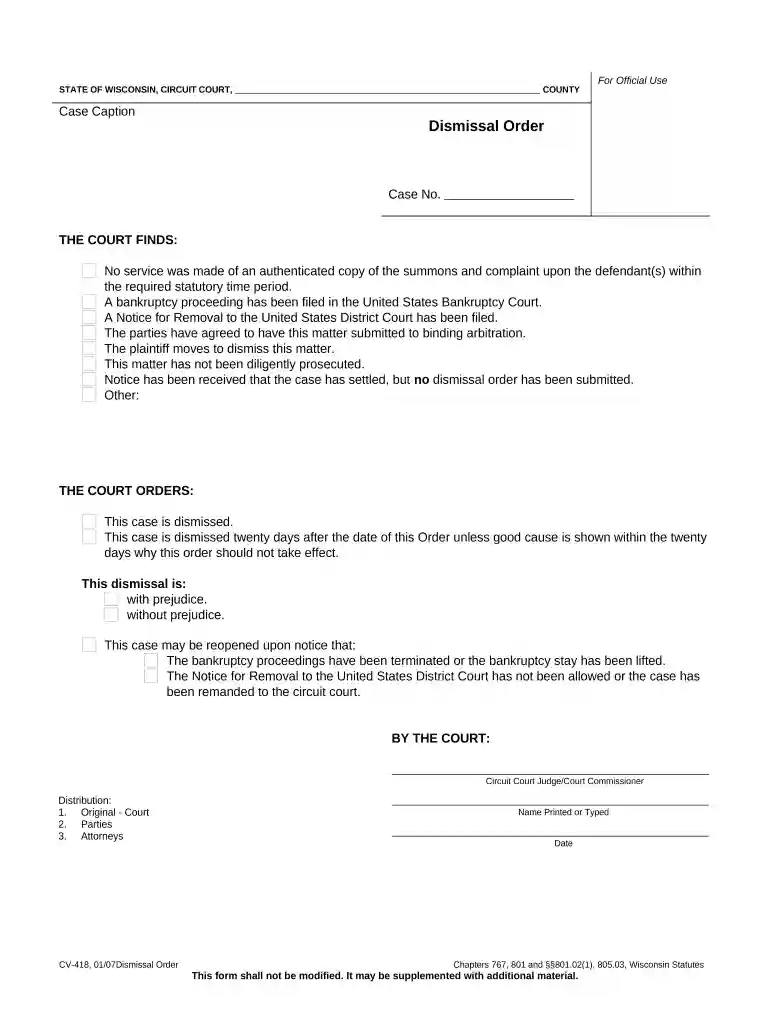
Type text, add images, blackout confidential details, add comments, highlights and more.

Draw your signature, type it, upload its image, or use your mobile device as a signature pad.

Send dismissal order sample via email, link, or fax. You can also download it, export it or print it out.

Start using our platform today for free to streamline your document editing and signing process!
At DocHub, your data security is our priority. We follow HIPAA, SOC2, GDPR, and other standards, so you can work on your documents with confidence.
The plaintiff may dismiss an action without a court order by filing: (i) a notice of dismissal before the opposing party serves either an answer or a motionRead more
Jul 29, 2013 Dismissal may be appropriate only where the employees eccentric behaviour is of such a gross nature that it causes consternation and disruptionRead more
IT IS ORDERED this case is dismissed. with without prejudice. Conditions, if any: This order resolves the last pending claim and closes the case.Read more


