




01. Edit your ex parte online
Type text, add images, blackout confidential details, add comments, highlights and more.

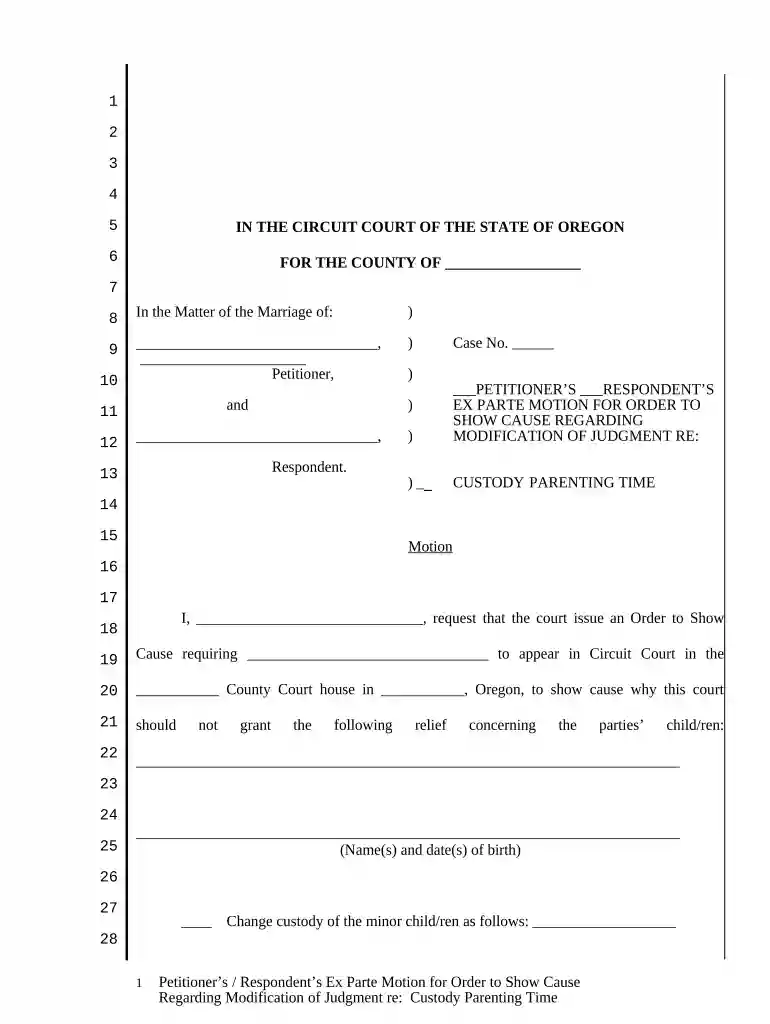
Type text, add images, blackout confidential details, add comments, highlights and more.

Draw your signature, type it, upload its image, or use your mobile device as a signature pad.

Send exparte via email, link, or fax. You can also download it, export it or print it out.

Start using our platform today to streamline your ex parte motion process for free!
At DocHub, your data security is our priority. We follow HIPAA, SOC2, GDPR, and other standards, so you can work on your documents with confidence.





(2) Leave to serve short notice of motion may be obtained ex-parte from the. Registrar upon affidavit. 6. Notice shall be given to the other party or partiesRead more
In civil procedure, ex parte refers to motions or applications made by one party without notice to or participation by the opposing party. These are typicallyRead more


