




01. Edit your reg 119 online
Type text, add images, blackout confidential details, add comments, highlights and more.

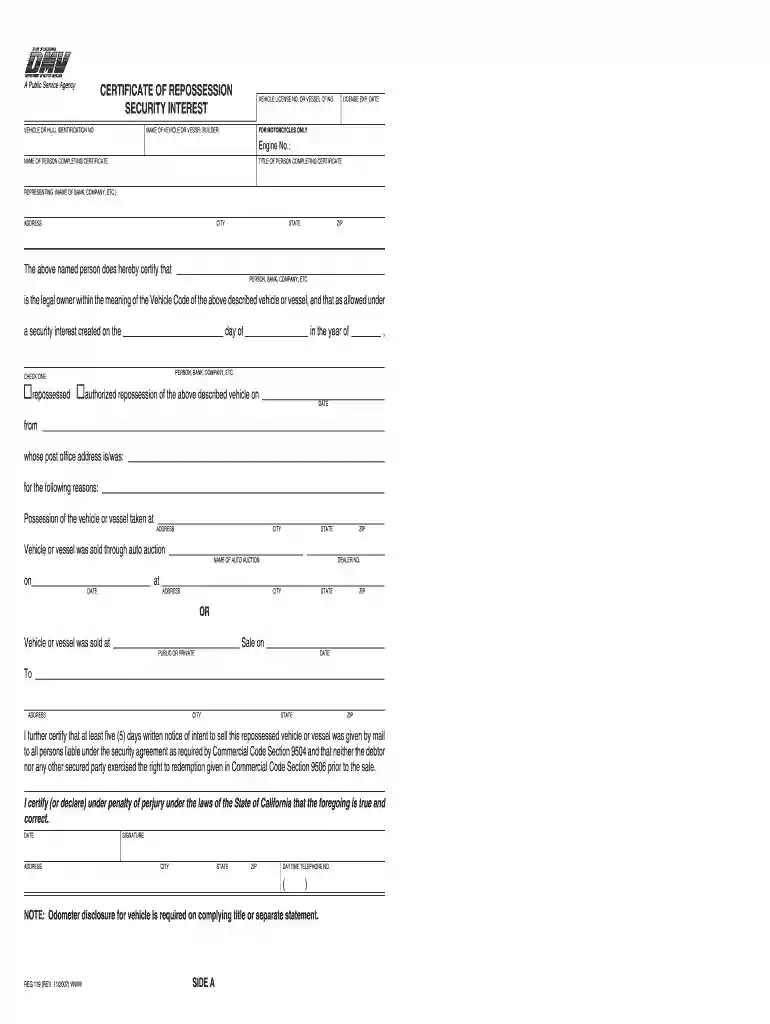
Type text, add images, blackout confidential details, add comments, highlights and more.

Draw your signature, type it, upload its image, or use your mobile device as a signature pad.

Send reg119 via email, link, or fax. You can also download it, export it or print it out.

Start using our platform today to fill out reg 119 easily and for free!
We've got more versions of the reg 119 form. Select the right reg 119 version from the list and start editing it straight away!
| Versions | Form popularity | Fillable & printable |
|---|---|---|
| 2007 | 4.9 Satisfied (501 Votes) |
Yes, a typed name is accepted as a valid electronic signature when you create it on your document using a compliant solution like DocHub. Simply upload your vehicle certificate to our editor, click Sign in the top tool pane → Create your signature → Type your name in the proper tab, and decide how it will appear on your document.
With DocHub, there are several convenient ways to edit your ca reg 119 online. You can drag and drop the form and modify it straight at the DocHub website or use our browser extension to fill out your form right away. Additionally, you can modify your PDF on your smartphone, as DocHub works with all the accessible mobile platforms.
At DocHub, your data security is our priority. We follow HIPAA, SOC2, GDPR, and other standards, so you can work on your documents with confidence.
Meals furnished on nonworking days do not qualify for the exclusion under section 119. If the employee is required to occupy living quarters on the businessRead more
Jun 5, 1997 The policies and procedures set forth here are intended as guidance to Agency and other government employees.Read more
I DocHub that I, or the firm, company, or corporation I am authorized to represent, am the legal owner within the meaning of California Vehicle Code.Read more


