




01. Edit your ps form 6805 online
Type text, add images, blackout confidential details, add comments, highlights and more.

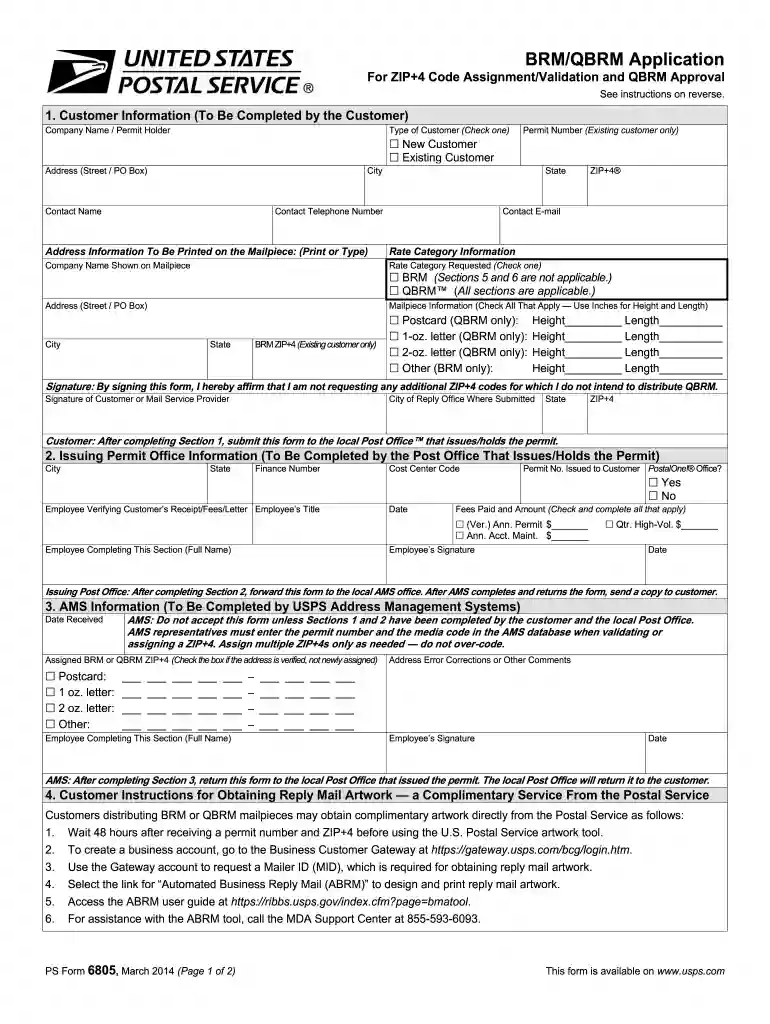
Type text, add images, blackout confidential details, add comments, highlights and more.

Draw your signature, type it, upload its image, or use your mobile device as a signature pad.

Send usps form 6805 via email, link, or fax. You can also download it, export it or print it out.

Start using our platform today for free to streamline your document editing and form completion!
We've got more versions of the ps form 6805 form. Select the right ps form 6805 version from the list and start editing it straight away!
At DocHub, your data security is our priority. We follow HIPAA, SOC2, GDPR, and other standards, so you can work on your documents with confidence.
This information will be used to determine your qualifications and suitability for USPS employment. As a routine use, the information may be disclosed to anRead more
Jul 4, 2019 Provide contact information. The RCAS tool will display available appointment times for participating Post Office locations that offer passport.Read more
Aug 10, 2003 An additional entry authorization must be in effect for each post office where copies of the Periodicals publications are presented for postalRead more


