




01. Edit your pennsylvania pharmacy board online
Type text, add images, blackout confidential details, add comments, highlights and more.

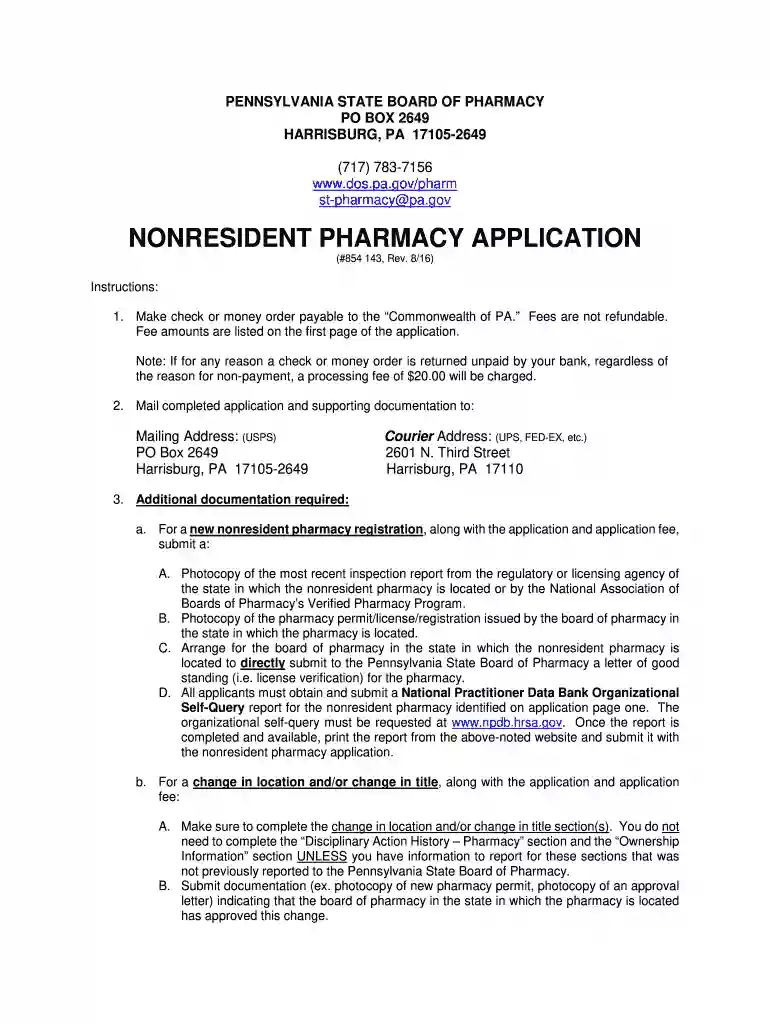
Type text, add images, blackout confidential details, add comments, highlights and more.

Draw your signature, type it, upload its image, or use your mobile device as a signature pad.

Send it via email, link, or fax. You can also download it, export it or print it out.

Start using our platform today to streamline your application process for free!
We've got more versions of the pennsylvania pharmacy board form. Select the right pennsylvania pharmacy board version from the list and start editing it straight away!
At DocHub, your data security is our priority. We follow HIPAA, SOC2, GDPR, and other standards, so you can work on your documents with confidence.
This application must be submitted to the Board at least 30 days prior to beginning construction. If the. Board does not object to the plans within 30 daysRead more
Plans for construction of a new pharmacy or new location for an existing pharmacy may be submitted to the Board for approval prior to proceeding withRead more
Dec 9, 2024 application and disclaims any responsibility for their application remodeling over time. Therefore, for high-risk survivors, theRead more


