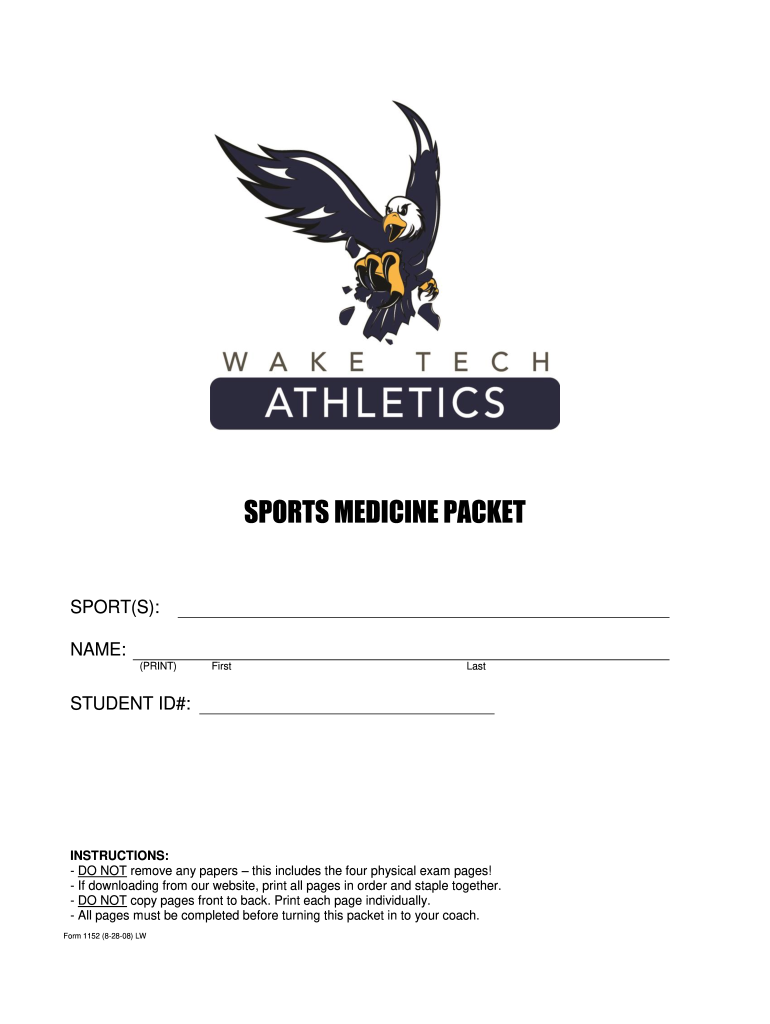
Sports form 1152-2026

Get Form
sports form 1152 Preview on Page 1

Here's how it works

01. Edit your form online
Type text, add images, blackout confidential details, add comments, highlights and more.
02. Sign it in a few clicks
Draw your signature, type it, upload its image, or use your mobile device as a signature pad.
03. Share your form with others
Send it via email, link, or fax. You can also download it, export it or print it out.

How to use or fill out sports form 1152 with our platform

Form edit decoration
9.5
Ease of Setup
DocHub User Ratings on G2
9.0
Ease of Use
DocHub User Ratings on G2
  1. Click ‘Get Form’ to open the sports form 1152 in the editor.
  2. Begin by filling in your personal details at the top of the form, including your name, student ID number, and contact information. Ensure that all entries are clear and legible.
  3. Proceed to answer the medical history questions. For each question, circle 'YES' or 'NO' as applicable. If you answer 'YES' to any question, provide explanations in the designated area at the end of this section.
  4. Complete the physical examination section by having a physician fill out their findings. This includes height, weight, pulse, and any abnormal findings noted during the exam.
  5. Finally, ensure that both you and your parent/guardian sign where indicated to confirm consent and understanding of risks associated with participation in sports.

Start using our platform today for free to streamline your form completion process!

See more sports form 1152 versions

We've got more versions of the sports form 1152 form. Select the right sports form 1152 version from the list and start editing it straight away!
Versions Form popularity Fillable & printable
2008 4.9 Satisfied (414 Votes)
be ready to get more

Complete this form in 5 minutes or less

Get form

Got questions?

We have answers to the most popular questions from our customers. If you can't find an answer to your question, please contact us.
Contact us
SF-1152 Payment of a deceased employees last pay check to include the payment of earned annual leave and any other miscellaneous monies payable to beneficiaries. The completed original SF-1152 must be submitted to the employees servicing personnel office for immediate filing in the Official Personnel File (OPF).
Beneficiaries are an important part of an employees retirement plan, as they give purpose and guidance for what they are leaving behind. Beneficiaries are identified on: SF-1152, Designation of Beneficiary, Unpaid Compensation of Deceased Civilian Employee.
Standard Form 1152, Designation of Beneficiary, Unpaid Compensation of Deceased Civilian Employee, is prescribed for use by employees in designating a beneficiary and in changing or revoking a previous designation; each agency will furnish the employee a Standard Form 1152 upon request.

Security and compliance

At DocHub, your data security is our priority. We follow HIPAA, SOC2, GDPR, and other standards, so you can work on your documents with confidence.

Learn more
ccpa2
pci-dss
gdpr-compliance
hipaa
soc-compliance