




01. Edit your indiana unemployment overpayment forgiveness online
Type text, add images, blackout confidential details, add comments, highlights and more.

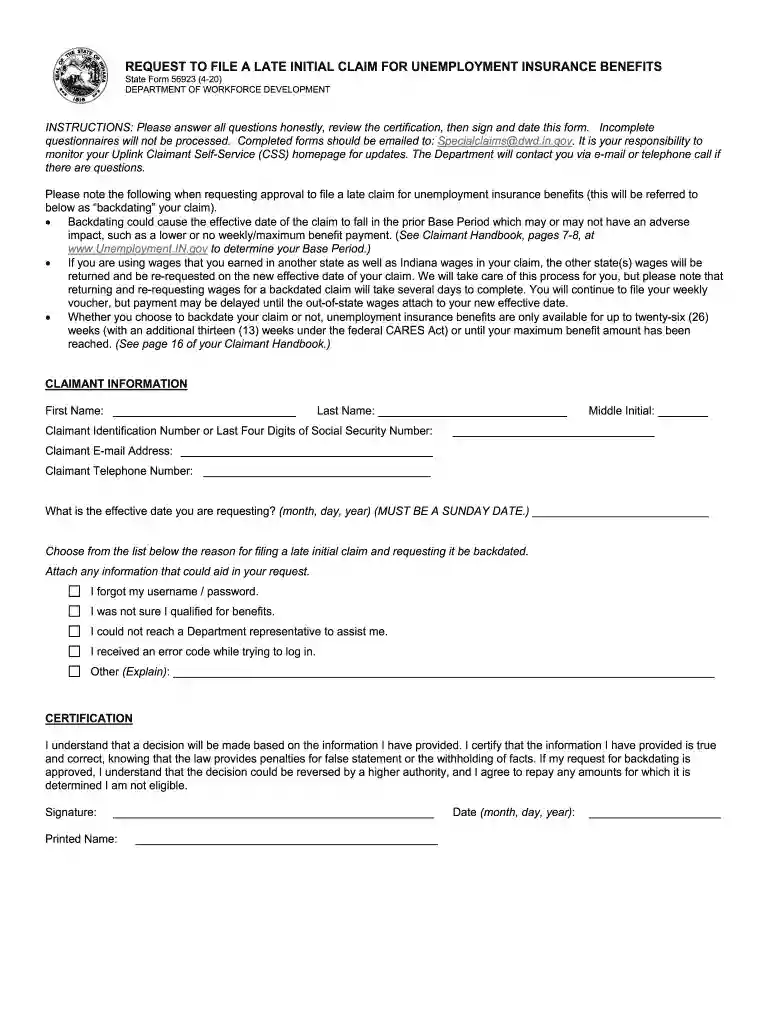
Type text, add images, blackout confidential details, add comments, highlights and more.

Draw your signature, type it, upload its image, or use your mobile device as a signature pad.

Send indiana unemployment overpayment waiver form via email, link, or fax. You can also download it, export it or print it out.

Start using our platform today to easily fill out and submit your Indiana unemployment forms for free!
We've got more versions of the indiana unemployment overpayment forgiveness form. Select the right indiana unemployment overpayment forgiveness version from the list and start editing it straight away!
| Versions | Form popularity | Fillable & printable |
|---|---|---|
| 2020 | 4.8 Satisfied (150 Votes) |
Sure, electronically drawing your signature is appropriate, but only if you use a tool that complies with industry laws and regulations. Consider DocHub, which ensures eSignature validity under ESIGN and UETA requirements. All you need to approve your how to settle unemployment overpayment indiana electronically is an account with DocHub and an internet connection. Once you open your file in our editor, click Sign and select the Draw option.
Document editing with DocHub is equally convenient on desktop and mobile devices. You just need an internet browser to modify your unemployment overpayment forgiveness on Android. Open our site and sign in to access the instruments you need. Add your document and introduce your intended changes. After that, you can keep your form in your document storage or send it out right away.
At DocHub, your data security is our priority. We follow HIPAA, SOC2, GDPR, and other standards, so you can work on your documents with confidence.
Forms and Downloads Power Up Indiana Employer Training Grant Unemployment Indiana Unemployment Careers at DWD More IN.gov Online Services. I Want To.Read more
Veterans Administration Statement of Benefits. Retirement or Pension Statement of Benefits. Unemployment or Workers Compensation Statement of Benefits.Read more
Forms and Downloads. If you are a Claimant for Unemployment Insurance, the following items will be of most interest to you:.Read more


