




01. Edit your form online
Type text, add images, blackout confidential details, add comments, highlights and more.

Type text, add images, blackout confidential details, add comments, highlights and more.

Draw your signature, type it, upload its image, or use your mobile device as a signature pad.

Send it via email, link, or fax. You can also download it, export it or print it out.

Start using our platform today to easily complete and manage your forms online, for free!
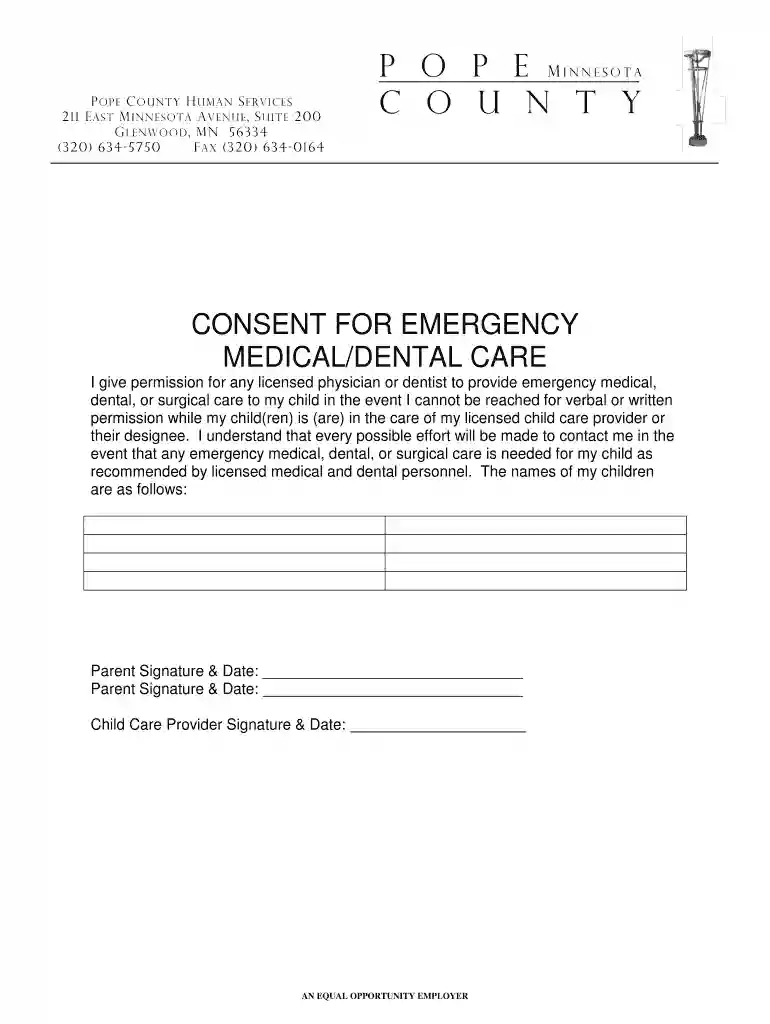
We've got more versions of the Consent for Emergency Dental and Medical Form - Pope County - co pope mn form. Select the right Consent for Emergency Dental and Medical Form - Pope County - co pope mn version from the list and start editing it straight away!
| Versions | Form popularity | Fillable & printable |
|---|---|---|
| 2013 | 4.6 Satisfied (53 Votes) |
Many software applications are available on the market for document modifying and signing. DocHub is one of the most in-demand online solutions that comply with all data protection and compliance requirements and guarantees your eSigned documentation is legally enforceable. All you need to try it out is to register an account, add your Consent for Emergency Dental and Medical Form - Pope County - co pope mn, provide the necessary information, and click Sign. Create your electronic signature by typing, drawing it, uploading its image to your document, or scanning a unique QR code.
You can easily complete, edit, and even eSign your Consent for Emergency Dental and Medical Form - Pope County - co pope mn utilizing DocHub. Create a new account and start your free trial. After that, you can add the file with the form and simply make all the necessary edits. No need to print on paper or use a third-party application to sign it, as you can put your electronic signature on your document faster via DocHub.
At DocHub, your data security is our priority. We follow HIPAA, SOC2, GDPR, and other standards, so you can work on your documents with confidence.
If I do not sign or I end this consent, I cannot enroll or stay enrolled in Minnesota Health Care Programs. Pope County. 211 East MN Avenue, Suite 200.Read more
by U Kelekar 2024 Cited by 11 Background: The use of Emergency Departments (EDs) for non-urgent medical conditions is a global public health concern.Read more


