




01. Edit your usm forms online
Type text, add images, blackout confidential details, add comments, highlights and more.

Type text, add images, blackout confidential details, add comments, highlights and more.

Draw your signature, type it, upload its image, or use your mobile device as a signature pad.

Send it via email, link, or fax. You can also download it, export it or print it out.

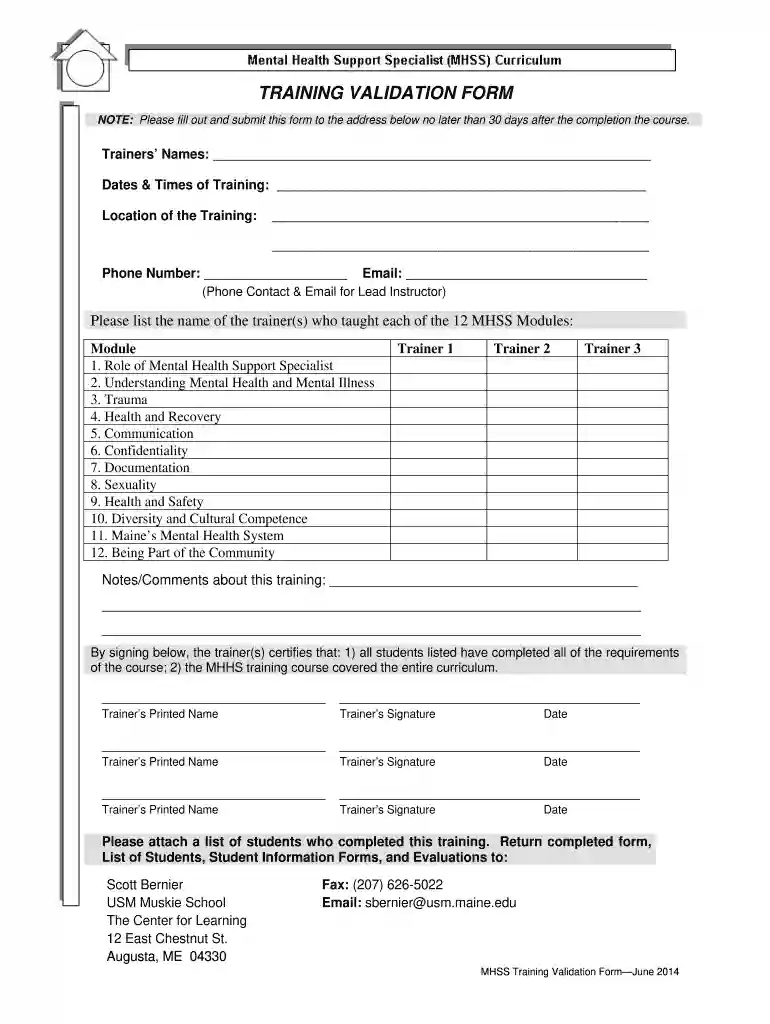
Start using our platform today to easily complete your TRAINING VALIDATION FORM online for free!
We've got more versions of the usm forms form. Select the right usm forms version from the list and start editing it straight away!
Electronic signatures are an excellent alternative to traditional signing, as they save time, effort, and costs people spend on printing, scanning, and paper delivery. You can electronically sign your TRAINING VALIDATION FORM - muskie usm maine using a reliable and robust online document management services like DocHub. It complies with primary eSignature policies (ESIGN and UETA), so all forms approved there are legally binding and have the same validity as physically signed ones.
In case your go-to email service is Gmail, you can easily integrate your DocHub editor into your work. Modify your TRAINING VALIDATION FORM - muskie usm maine with DocHub instruments and attach it to your drafts in Gmail. See how effortless it can be to exchange documents and work together having a swift PDF editing solution at hand.
At DocHub, your data security is our priority. We follow HIPAA, SOC2, GDPR, and other standards, so you can work on your documents with confidence.
A registration form is available on the Muskie School of Public Service, MDS Technical Information website: . Page 24Read more
What should you do if you find a pattern of incorrect RUG groups between your MDS and the final validation? Call your vendor. Make sure you are checkingRead more


