




01. Edit your ds 1950 online
Type text, add images, blackout confidential details, add comments, highlights and more.

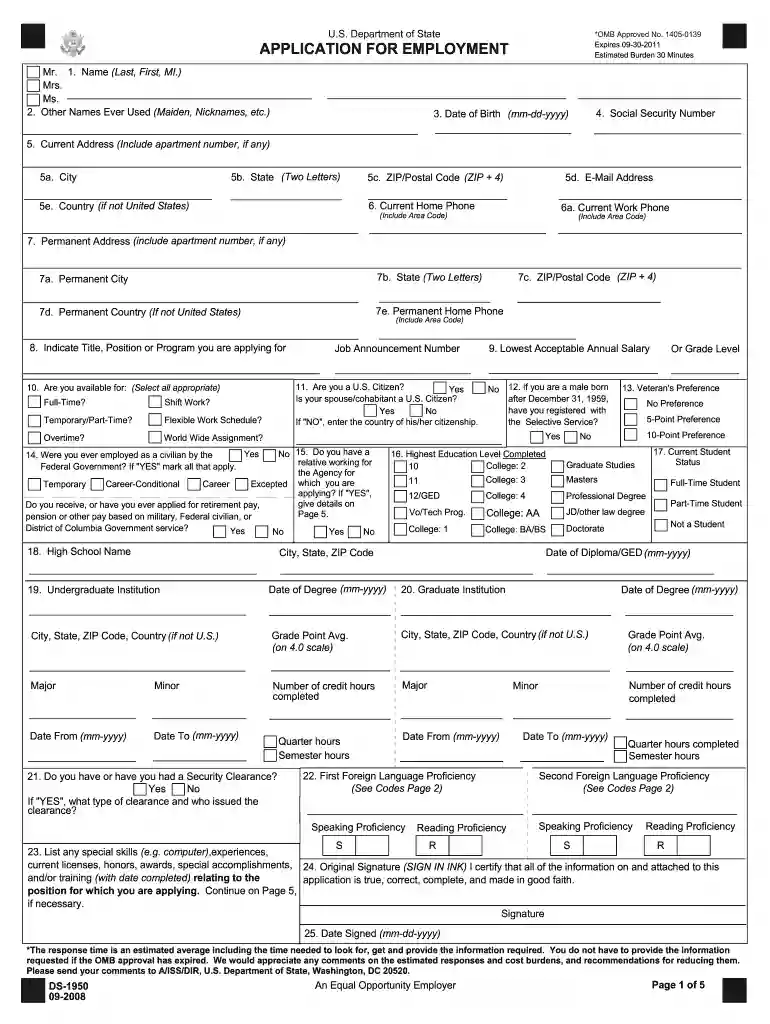
Type text, add images, blackout confidential details, add comments, highlights and more.

Draw your signature, type it, upload its image, or use your mobile device as a signature pad.

Send it via email, link, or fax. You can also download it, export it or print it out.

Start filling out your DS-1950 Application today using our platform for free!
We've got more versions of the ds 1950 form. Select the right ds 1950 version from the list and start editing it straight away!
Sure, a typed name is recognized as a legitimate electronic signature when you add it to your paperwork utilizing a compliant solution like DocHub. Simply add your DS-1950 Application for Employment - US Department of State - photos state to our editor, click Sign in the top tool pane → Create your signature → Type your name in the appropriate tab, and choose how it will look on your document.
With a swift editing system like DocHub, you do not need anything but a web browser and connection to the internet to edit your DS-1950 Application for Employment - US Department of State - photos state on the internet easily. Add your document or find the relevant form in DocHub’s catalog, open our editor with one click, and finish it digitally. To edit your forms at any time, register a free profile with DocHub.
At DocHub, your data security is our priority. We follow HIPAA, SOC2, GDPR, and other standards, so you can work on your documents with confidence.
This is a survey course designed to introduce students to the United States Air Force and provides an overview of the basic characteristics, missions, andRead more
The required documents are the DS-1950 application form, evidence that you are a U.S. citizen (sending a copy of the photo page of your passport is best), andRead more
The document is intended to provide current knowledge in support of sound decisions. It is not intended to foster or discourage efforts to clean upRead more


