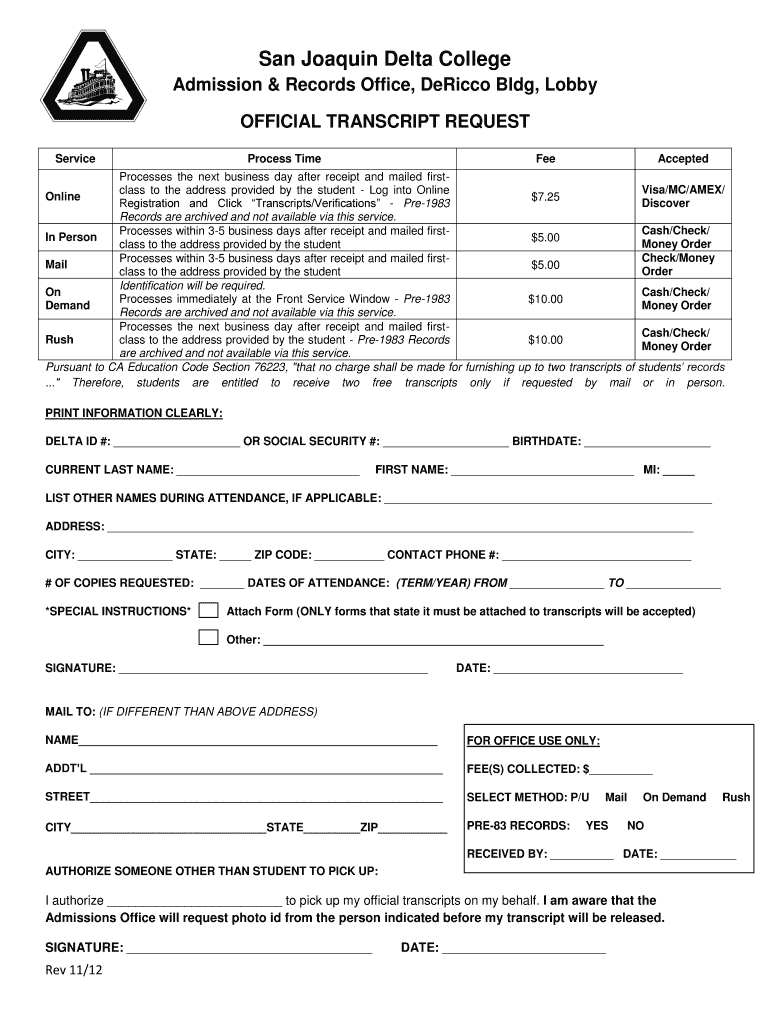
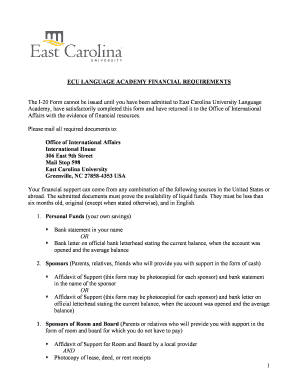
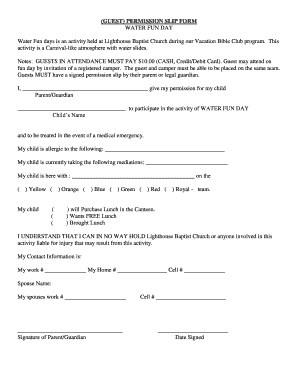
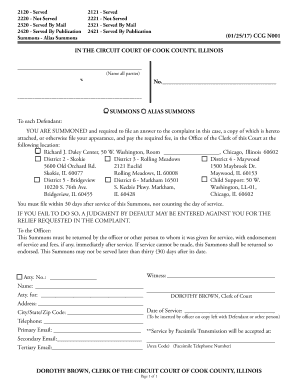
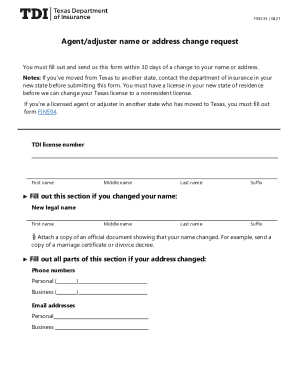
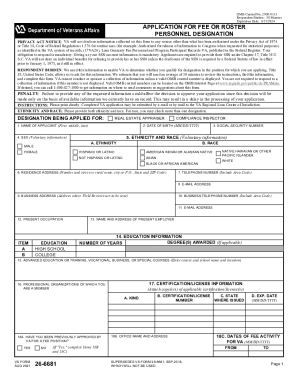
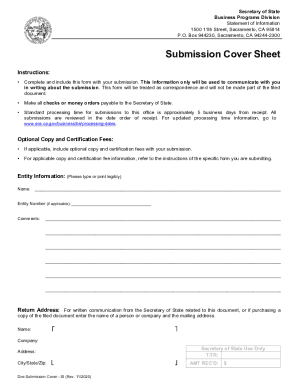
See more Transcript Request Form - San Joaquin Delta College - deltacollege versions
We've got more versions of the Transcript Request Form - San Joaquin Delta College - deltacollege form. Select the right Transcript Request Form - San Joaquin Delta College - deltacollege version from the list and start editing it straight away!
Unofficial transcripts can be requested free of charge and are available to students via the student portal or the Campus Registrar. To request an unofficial transcript, please contact the academic office at your home campus. SpanTran is our recommended international transcript evaluation service.
How to get transcript from San Joaquin Delta College?
Accessing Official Transcripts Log in to MyDelta. From your MyDelta homepage, click the Academic Records icon. From the left sidebar, click Request Official Transcript. If you have a pop up blocker, please be sure to allow pop-up from deltacollege.edu or click the submit button on the screen.
Can I get an official transcript sent to myself?
We can send your transcript to any destination worldwide - to a college, an employer, or yourself. And we can send it electronically or by mail. If your transcript is not available electronically, your school can prepare it locally and get it to its destination.
Can colleges no longer hold transcripts?
Some states, including California and New York, have already banned the practice at their public colleges and universities, while Washington has limited it to certain situations.
Can I look up my college transcript online?
You can likely view your unofficial transcript on your colleges website, or request it from the registrar at your school.
delta college transcript request
San Joaquin Delta College transcriptsOnline transcript request form san joaquin delta college delta collegeDelta College unofficial TranscriptDelta College transcript evaluationSan Joaquin Delta College emailSan Joaquin Delta College registrationDelta College Admissions and RecordsDelta College live chat
Security and compliance
At DocHub, your data security is our priority. We follow HIPAA, SOC2, GDPR, and other standards, so you can work on your documents with confidence.
Log in to MyDelta From your MyDelta homepage, click the Academic Records icon. From the left sidebar, click Request Official Transcript. If you have a pop upRead more
Cookie consent notice
This site uses cookies to enhance site navigation and personalize your experience.
By using this site you agree to our use of cookies as described in our Privacy Notice.
You can modify your selections by visiting our Cookie and Advertising Notice.