
At staples Order Forms
Increase efficiency with our customizable At staples Order Forms templates. Adjust and customize documents to fit your specific business needs in just a few steps.

Create a new At staples Order Form
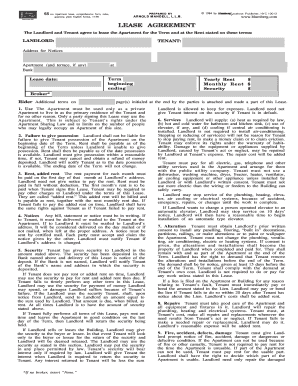
T 186 lease agreement pdf
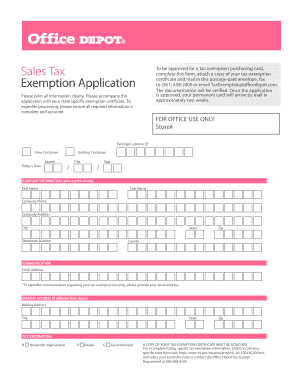
Office depot tax exemption
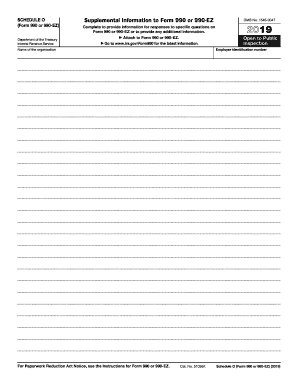
Schedule o

Petition child support
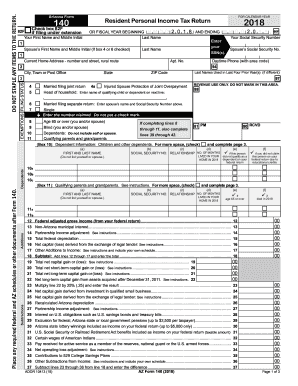
Az form 140 2018 printable
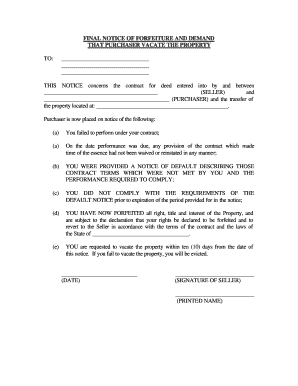
Blank deed form pdf

Warehouse order checklist
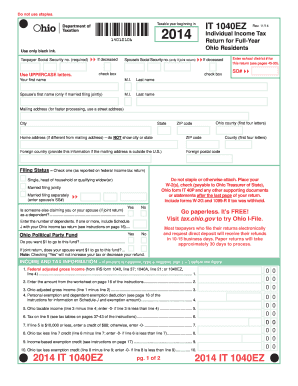
Ohio tax form
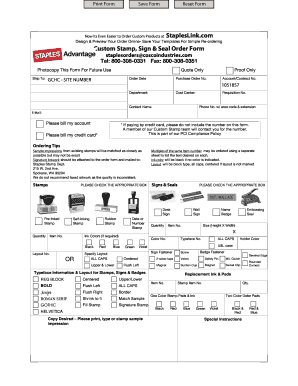
Staples advantage custom stamp order form
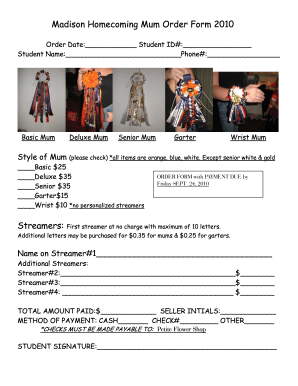
Mum order form
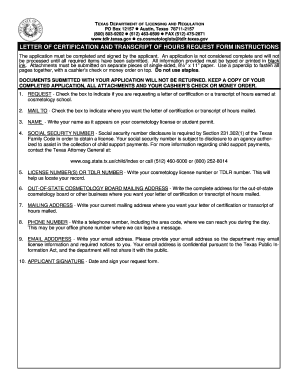
Request for discovery template texas
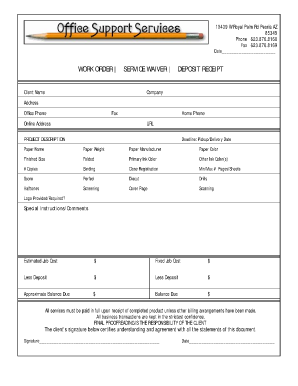
Job order receipt
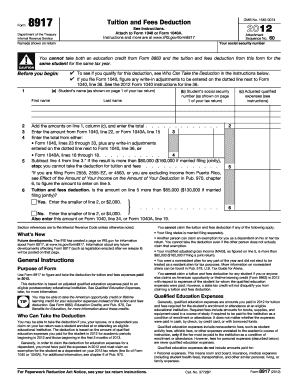
How to prepare your return for mailing - IRS.gov
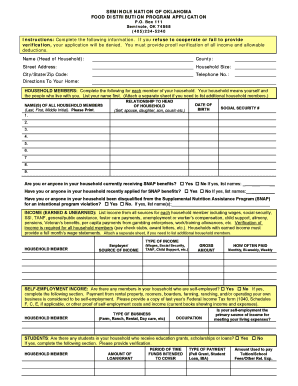
Seminole nation food distribution
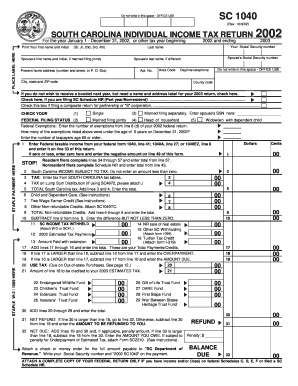
Sc1040 staples 2002 form
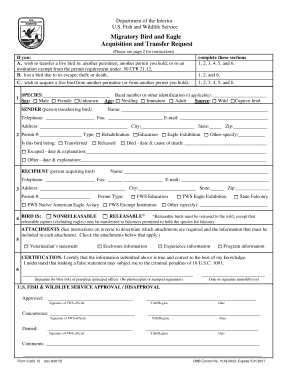
U.S. Fish and Wildlife Service Form 3-202-12. Migratory Bird and Eagle Acquisition and Transfer Request - forms fws

GlenOak High School Request for Records/ Transcripts Form - plainlocal
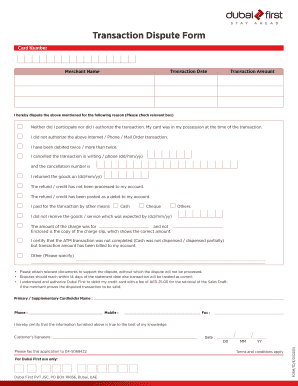
Dubai first dispute form
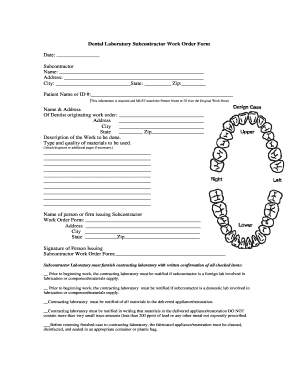
Dental lab order form pdf

California form mileage
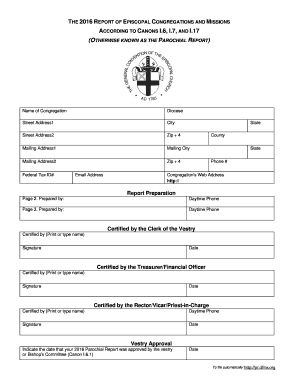
2016 Parochial Report Form (large orig) - Episcopal Church - episcopalchurch
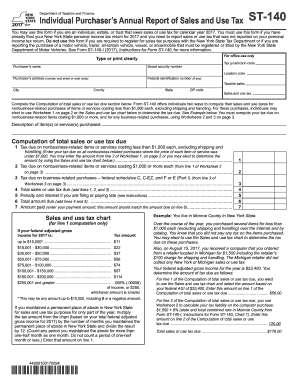
St 140 fillable form
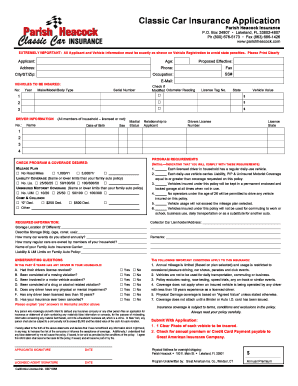
Usaa forms

Stationery request form excel
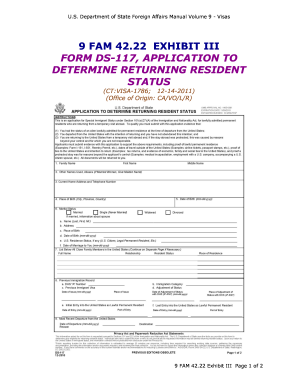
Green card application form pdf

Lw 3 city form city of lansing fillable
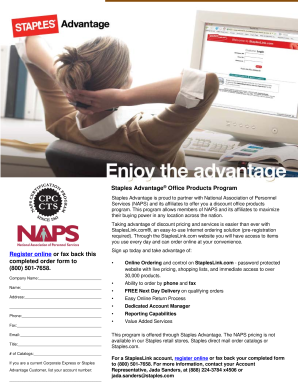
Staples advantage

Hilco vision catalog
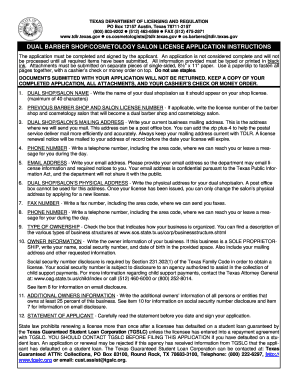
Form cos012 in tdlr
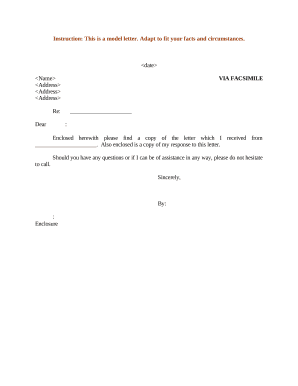
Sample letter fax

Tdlr cosmetology license application
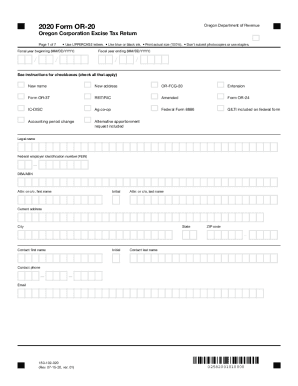
Oregon 20 corporation form
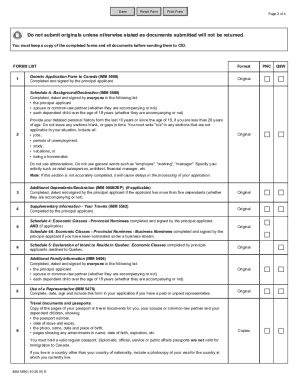
Immigration Form.pdf - Save Reset Form Print Form ...
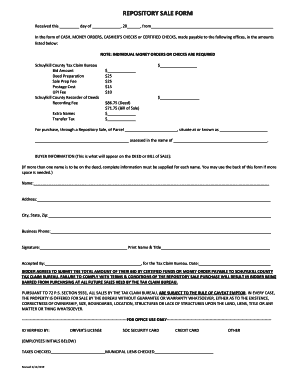
In the form of CASH, MONEY ORDERS, CASHIERS CHECKS or CERTIFIED CHECKS, made payable to the following offices, in the amounts

Schedule 1 form
Staples printablepdf job application form pdf
-
1
- 2
Get and handle At staples Order Forms online
Speed up your document operations with the At staples Order Forms category with ready-made form templates that meet your requirements. Get the document template, edit it, fill it, and share it with your contributors without breaking a sweat. Begin working more efficiently with your documents.
How to use our At staples Order Forms:
- Open our At staples Order Forms and search for the form you need.
- Preview your document to ensure it’s what you want, and click Get Form to begin working on it.
- Alter, include new text, or point out important information with DocHub tools.
- Complete your form and save the changes.
- Download or share your form template with other people.
Discover all the possibilities for your online document management using our At staples Order Forms. Get a totally free DocHub profile today!
Video Guide on At staples Order Forms management

Commonly Asked Questions about At staples Order Forms
Does Staples do PDF files?
Staples PrintMe supports many file types: PDF, text documents. Microsoft Office (Word, Excel, PowerPoint, Publisher) Images (BMP, JPEG, PNG, GIF, TIFF)
Does Staples do business forms?
Keep paperwork organized and uniform with custom business forms from Staples. Choose from several types in various ink colors to match business cards and documents. Business forms are a necessity for many industries such as automotive, industrial, healthcare, and finance.
How to get a receipt from staples?
For in-store purchases, Staples offers the option to receive an electronic copy of your receipt emailed directly to you. Simply provide your email address at the time of purchase and wait for your Digital Receipt to arrive (usually within 24 hours).
How do I reorder my Staples order?
To place a reorder of a previously fulfilled order, sign in to your account and click on Order History. Locate the original order by looking for it in your list of past orders or by using the Confirmation Number search tool. Make the changes you want by editing your order and resubmitting it.
Does Staples do resume printing?
Document Printing. From sleek presentations to detailed blueprints, our online document printing services can handle all your projects with ease. Your best option for quick and everyday document printing. Ideal for sales sheets, resumes, newsletters and menus.
Related Templates

Comment remplir le cerfa 3233
The document N° 3233-SD is a mandatory form issued by the Direction Générale des Finances Publiques for requesting infor ...

Savings plus rollover out form
The document is a Rollover-Out Form used for transferring retirement funds from one plan to another, such as 401(k) or 4 ...

Notary Request Form Please SCAN andamp
The document is a Notary Request Form that outlines the process for scheduling a notary signing appointment, including r ...