
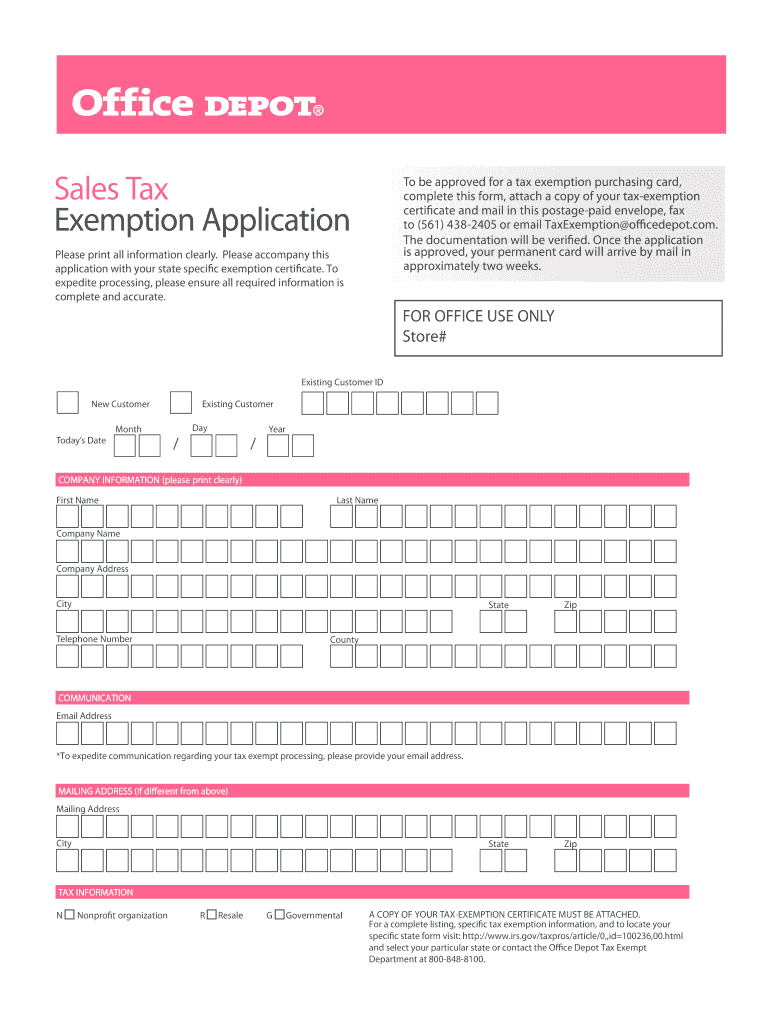




Here's how it works

01. Edit your office depot tax exempt online
Type text, add images, blackout confidential details, add comments, highlights and more.

02. Sign it in a few clicks
Draw your signature, type it, upload its image, or use your mobile device as a signature pad.

03. Share your form with others
Send office depot tax exempt form via email, link, or fax. You can also download it, export it or print it out.
How to use or fill out office depot tax exemption with our platform

- Click ‘Get Form’ to open the office depot tax exemption application in the editor.
- Begin by filling out the 'Company Information' section. Clearly print your first name, last name, company name, and address including city, state, zip code, and county.
- Provide your telephone number and email address in the 'Communication' section. This will help expedite communication regarding your tax-exempt processing.
- If your mailing address differs from the company address, complete the 'Mailing Address' section with the necessary details.
- In the 'Tax Information' section, select the appropriate category for your organization: Nonprofit (N), Resale (R), or Governmental (G).
- Attach a copy of your tax-exemption certificate as required. Ensure all information is accurate to expedite processing.
- Once completed, save your document and follow instructions to mail it using the provided envelope, fax it to (561) 438-2405, or email it to TaxExemption@officedepot.com.
Start using our platform today for free to streamline your office depot tax exemption application process!
Fill out office depot tax exemption online
It's free
It's free
Security and compliance
At DocHub, your data security is our priority. We follow HIPAA, SOC2, GDPR, and other standards, so you can work on your documents with confidence.
Learn more


Related forms
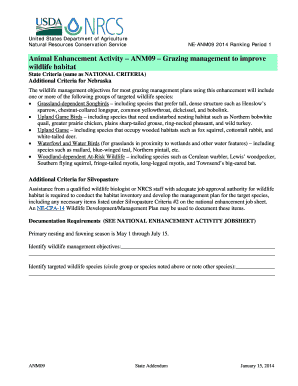
2014 anm09 animal enhancement activity wildlife habitat edit
The document outlines the Animal Enhancement Activity ANM09 by the United States Department of Agriculture's Natural Res ...
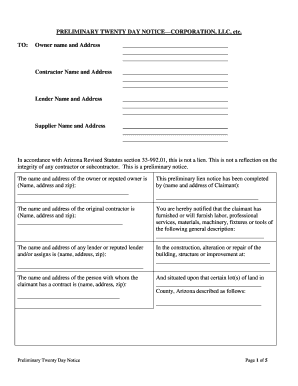
Arizona 20
The document is a Preliminary Twenty Day Notice required under Arizona law, notifying property owners, contractors, lend ...

Weight watchers renewal
The document is a Proof of Participation Form for OEBB Weight Watchers Online, which participants must complete to prove ...
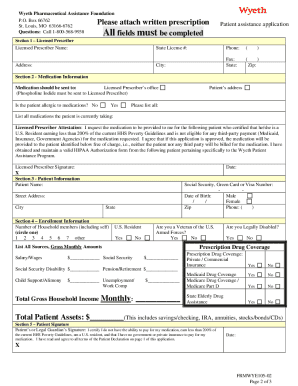
Wyeth pharmaceuticals patient assistance program
The Wyeth Pharmaceutical Assistance Foundation offers a Patient Assistance Program for individuals in the U.S. or Puerto ...

Gratis huurkontrak download
The document outlines the rental agreement for student accommodation at Nooitgedacht Block A, Stellenbosch University. I ...

Neighbor Fence Approval Form - Becker
The document is a Neighbor Fence Approval Form that requests written consent from adjacent property owners for the const ...