Boost your efficiency with Print Business Forms

Record administration takes up to half of your business hours. With DocHub, it is easy to reclaim your time and enhance your team's productivity. Access Print Business Forms category and check out all form templates related to your everyday workflows.

Effortlessly use Print Business Forms:

  1. Open Print Business Forms and use Preview to find the relevant form.
  2. Click on Get Form to start working on it.
  3. Wait for your form to open in the online editor and start editing it.
  4. Add new fillable fields, symbols, and pictures, adjust pages order, and many more.
  5. Fill out your document or prepare it for other contributors.
  6. Download or share the form by link, email attachment, or invite.

Improve your everyday file administration with the Print Business Forms. Get your free DocHub account right now to explore all forms.


Video Guide on Print Business Forms management

video background

Commonly Asked Questions about Print Business Forms

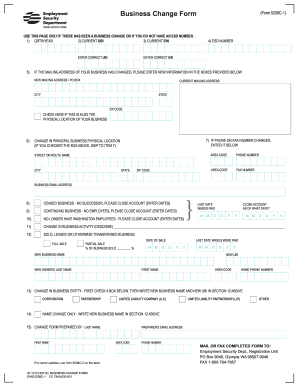
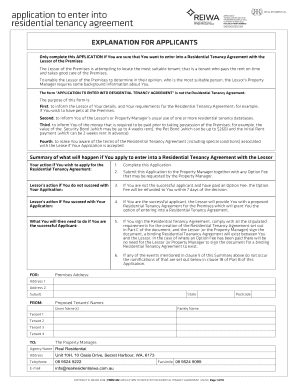
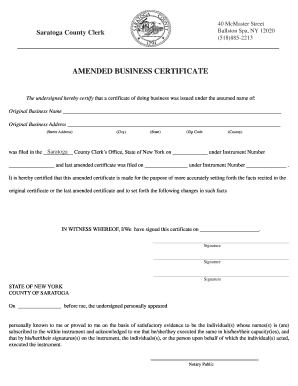
Keep paperwork organized and uniform with custom business forms from Staples. Choose from several types in various ink colors to match business cards and documents. Business forms are a necessity for many industries such as automotive, industrial, healthcare, and finance.
Use Google Forms To print a form you have created in Google Forms, select File Print. Open the More settings tab in the print dialogue box and check or uncheck Headers and footers and Background graphics in the Options area based on your preferences.
After youve created your form, click the three dots in the upper right corner and select Print. Or you can just hit Ctrl + P (on PCs) or Command + P (on Macs). Most modern browsers, including Chrome, will give you the option to print to PDF.
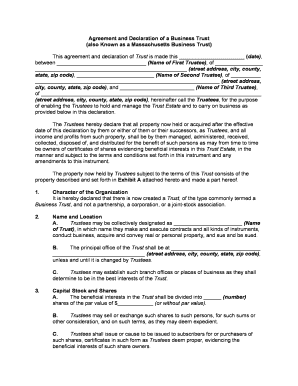
The most common types of business forms include sole proprietorship, partnership, limited liability company (LLC), and corporation. Each type of business form has its own advantages and disadvantages, and the choice of form often depends on the size and scope of the business.
Tap the documents name in the toolbar, then tap Print. If no printer is selected, tap Printer. Your device automatically searches for any nearby AirPrint printers. Tap a printer in the list to select it.
Printing form responses is a fairly simple process and you can complete it in seconds. Go to the Results Page and open your form responses: Select the response you want to print out and choose the green printer icon on the upper right: Here you can adjust the options for printing and hit the print button:
If you often create new forms, make changes to your forms, or simply wish to print your own forms immediately from your printer, our inkjet and laser carbonless paper provides an immediate solution. These are pre-collated and sheet-fed (not continuous) for easily printing forms on an as-needed basis.
You can print a blank form if you have a scenario that requires respondents to fill out a hard copy of it. Select More form settings. Print Form. Adjust your printer settings the way you want. Select Print.