




01. Edit your da 7625 1 online
Type text, add images, blackout confidential details, add comments, highlights and more.

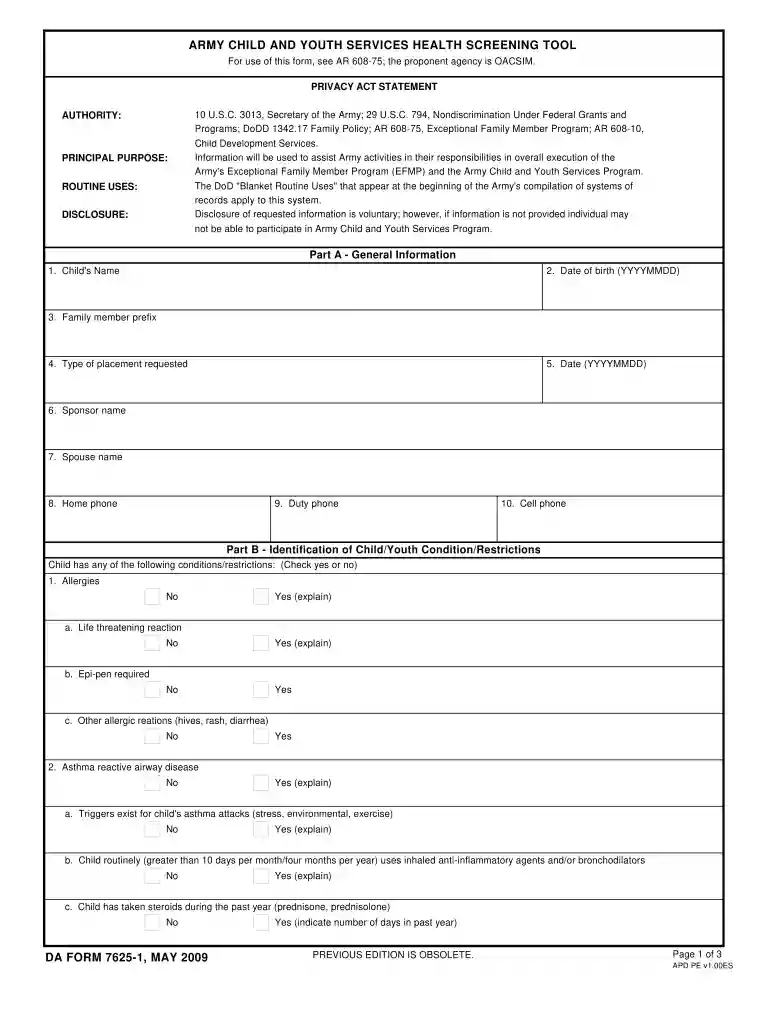
Type text, add images, blackout confidential details, add comments, highlights and more.

Draw your signature, type it, upload its image, or use your mobile device as a signature pad.

Send it via email, link, or fax. You can also download it, export it or print it out.

Start using our platform today for free to streamline your document editing and completion process!
At DocHub, your data security is our priority. We follow HIPAA, SOC2, GDPR, and other standards, so you can work on your documents with confidence.
As our colorimetric LAMP assay is only a qualitative assessment, our kinetics team sought to quantify LAMP in order to design a more informative diagnostic.Read more
Sep 1, 2024 The Department of Citywide Administrative Services (DCAS) submitted benchmarking results for. City government properties for calendar yearRead more
Mar 11, 2009 □ DA Form 7625-1 Health Screening Tool (one per child). FORMS UNDERLINED MUST BE FILLED OUT YEARLY. Our Youth Services Building will open forRead more


