




01. Edit your cub leadership scout online
Type text, add images, blackout confidential details, add comments, highlights and more.

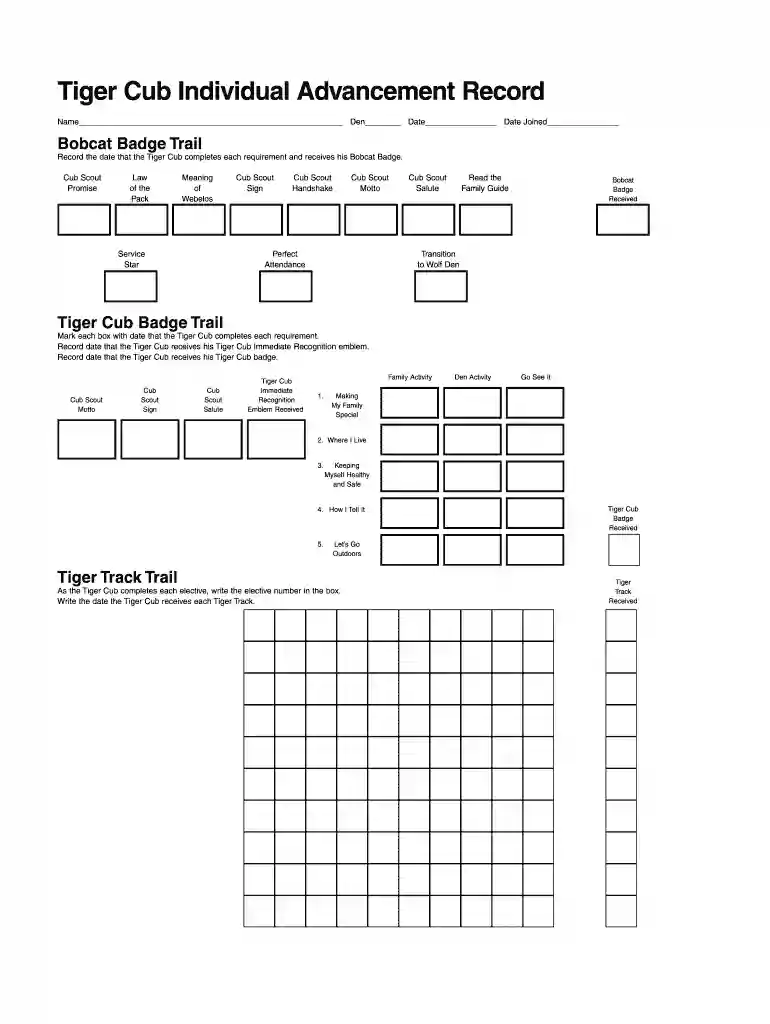
Type text, add images, blackout confidential details, add comments, highlights and more.

Draw your signature, type it, upload its image, or use your mobile device as a signature pad.

Send requirement cub scout via email, link, or fax. You can also download it, export it or print it out.

Start using our platform today to easily fill out and manage your Tiger Cub Individual Advancement Record for free!
At DocHub, your data security is our priority. We follow HIPAA, SOC2, GDPR, and other standards, so you can work on your documents with confidence.
the Cubs won 74-57. -photo by Seabaugh. Cubs Hold 3-1 Record Thus Far. After Facing Sanford, Covenant. MUNRC suffered its first defeat. 66- 54 atthe hands of
Helping Parents Support Advancement. Many Tiger Cub achievements require activities that can be done at home or with family involvement. The tiger scout


