




01. Edit your form online
Type text, add images, blackout confidential details, add comments, highlights and more.

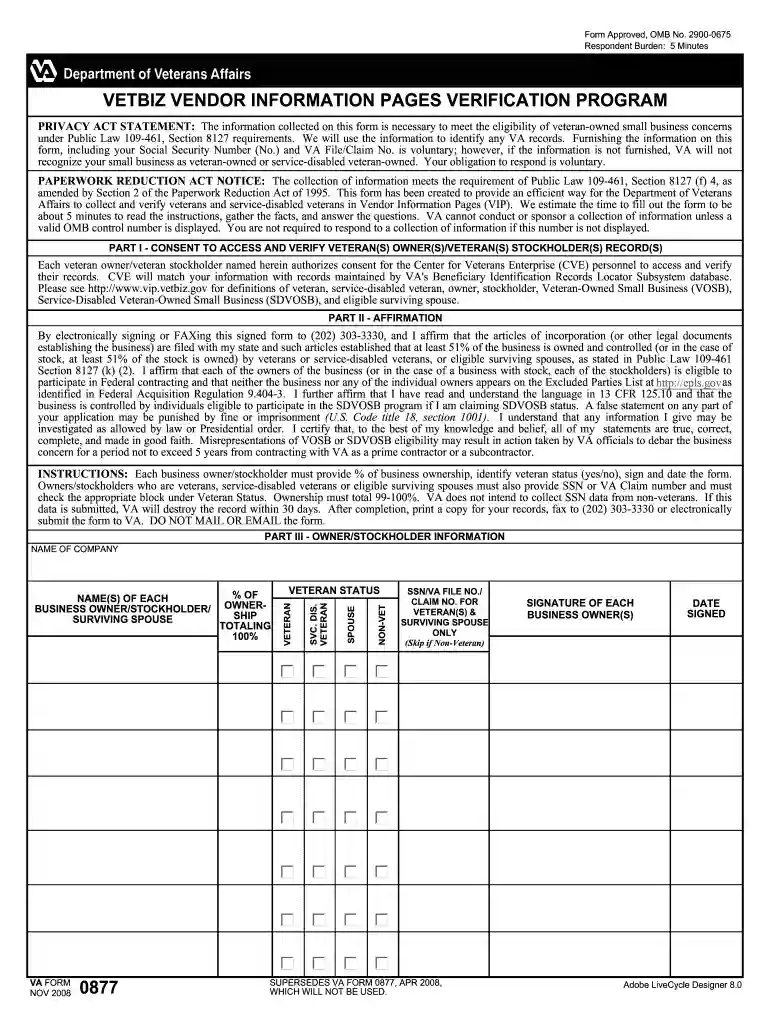
Type text, add images, blackout confidential details, add comments, highlights and more.

Draw your signature, type it, upload its image, or use your mobile device as a signature pad.

Send it via email, link, or fax. You can also download it, export it or print it out.

Start using our platform today to easily fill out and manage your forms online for free!
A lot of software solutions are available on the market for document editing and signing. DocHub is one of the most popular online solutions that comply with all security and compliance standards and ensures your electronically signed paperwork is legally enforceable. All you need to try it out is to create an account, add your 04712301740, provide the necessary details, and click Sign. Generate your eSignature by typing, drawing it, uploading its picture to your template, or scanning a unique QR code.
If you edit your 04712301740 with DocHub, you simply will not need to look for other software or solutions to sign it. An electronic signature is a component of DocHub’s comprehensive editing toolset, which enables you to implement changes in your form without switching between websites. Just complete your form, double-check the correctness of the information and put your electronic signature at the end to make it submission-ready in minutes.
At DocHub, your data security is our priority. We follow HIPAA, SOC2, GDPR, and other standards, so you can work on your documents with confidence.


