



01. Edit your form online
Type text, add images, blackout confidential details, add comments, highlights and more.

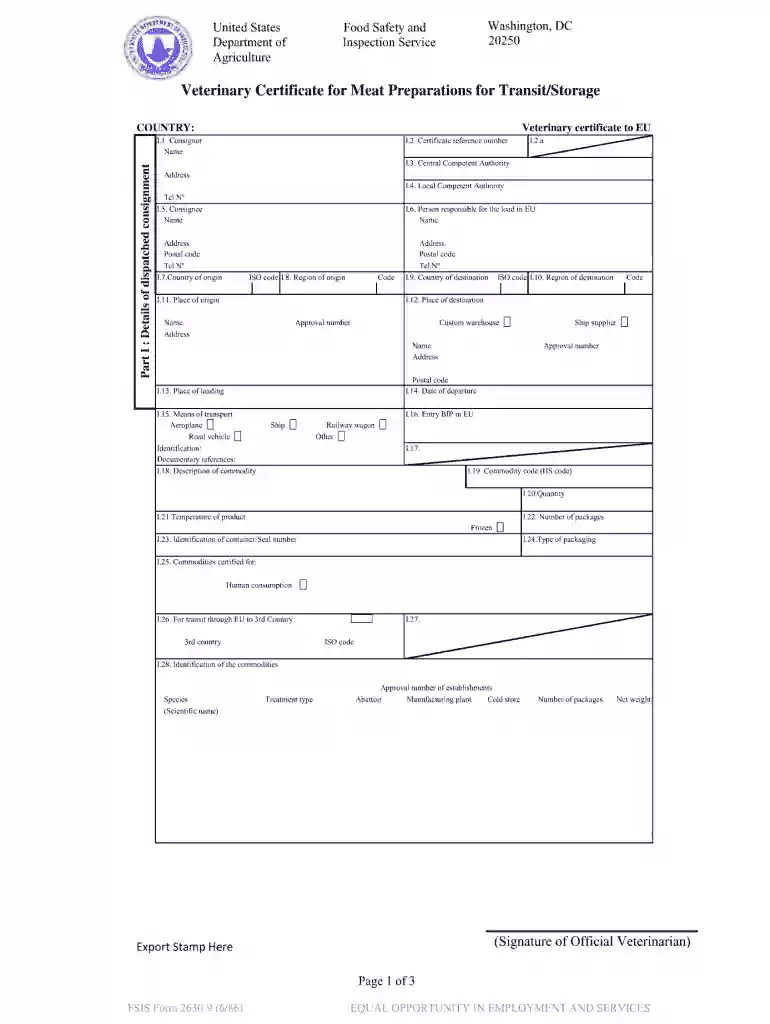
Type text, add images, blackout confidential details, add comments, highlights and more.

Draw your signature, type it, upload its image, or use your mobile device as a signature pad.

Send it via email, link, or fax. You can also download it, export it or print it out.

Start filling out your veterinary certificate today for free and streamline your documentation process!
If you regularly deal with documents kept in your Google Drive, DocHub is a perfect option for you to easily and quickly complete, modify, and approve them. This editor integrates properly with Google apps, so you can export your fillable veterinary certificate for meat products and treated stomachs bladder from your Google Drive to the editor without the need of downloading and re-uploading it. Right-click on your file, select Open With → DocHub PDF Sign and Edit. In our editor, add and assign Signature Fields for all parties involved, then click on the Menu option above → Send → select how you want to share your paperwork.
If you are looking for a state-specific fillable veterinary certificate for meat products and treated stomachs bladder sample, you will find it in our DocHub Forms & Templates catalog. Use the search field, key in your form’s name, and search through the results for your state. You can also filter out irrelevant results while exploring our catalog by categories.
At DocHub, your data security is our priority. We follow HIPAA, SOC2, GDPR, and other standards, so you can work on your documents with confidence.
Dec 3, 2021 Section 93.405 contains BSE-specific requirements for health certificates for sheep and goats intended for importation. Section 94.24 restrictsRead more
animal health practices. Location(s): Rangely, Craig. ASC 2150 LIVE ANIMAL AND CARCASS. EVALUATION/3. (67.5 LECTURE HOURS). Prerequisite: ASC 1100. ExploresRead more


