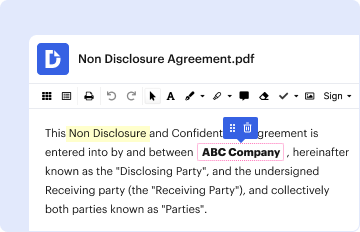
Type text, add images, blackout confidential details, add comments, highlights and more.
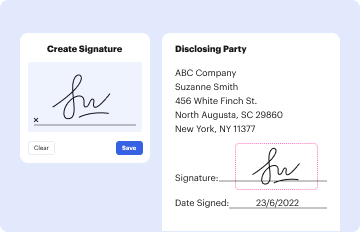
02. Sign it in a few clicks
Draw your signature, type it, upload its image, or use your mobile device as a signature pad.
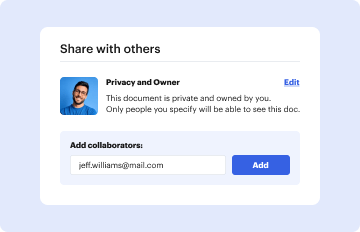
03. Share your form with others
Send nomnc instructions via email, link, or fax. You can also download it, export it or print it out.
How to use or fill out nomnc information with our platform
Ease of Setup
DocHub User Ratings on G2
Ease of Use
DocHub User Ratings on G2
Click ‘Get Form’ to open the NOMNC in the editor.
Begin by entering the provider's contact information at the top of the form, including name, address, and phone number.
Fill in the enrollee’s unique medical record number, ensuring not to use their HIC number.
In the section labeled 'THE EFFECTIVE DATE YOUR SERVICES WILL END', specify the type of service ending (home health, skilled nursing, or comprehensive outpatient rehabilitation) and enter the actual end date in legible text.
Complete the 'YOUR RIGHT TO APPEAL THIS DECISION' section by providing necessary details as required.
On the signature page, ensure that either the enrollee or their representative signs and dates the document appropriately.
Start using our platform today to streamline your NOMNC form completion for free!
Nomnc information pdfNomnc information templateNomnc information for medicareNomnc information exampleNOMNC formNOMNC form PDFWhen is a NOMNC not requiredNOMNC appeal
Security and compliance
At DocHub, your data security is our priority. We follow HIPAA, SOC2, GDPR, and other standards, so you can work on your documents with confidence.
Cookie consent notice
This site uses cookies to enhance site navigation and personalize your experience.
By using this site you agree to our use of cookies as described in our Privacy Notice.
You can modify your selections by visiting our Cookie and Advertising Notice.