




01. Edit your ppq form 505 online
Type text, add images, blackout confidential details, add comments, highlights and more.

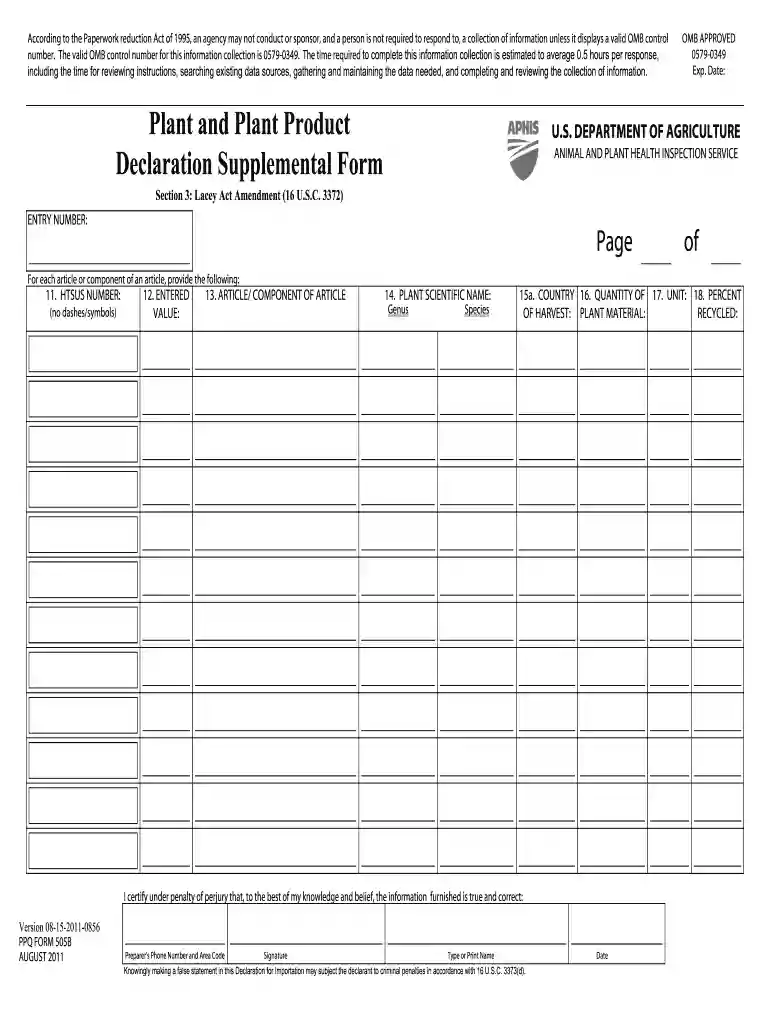
Type text, add images, blackout confidential details, add comments, highlights and more.

Draw your signature, type it, upload its image, or use your mobile device as a signature pad.

Send ppq 505 via email, link, or fax. You can also download it, export it or print it out.

Start using our platform today to fill out your ppq 505 form online for free!
At DocHub, your data security is our priority. We follow HIPAA, SOC2, GDPR, and other standards, so you can work on your documents with confidence.
Approved treatments for the various categories of regulated articles are contained in this section and in the PPQ Treat- ment Manual, which can be found onlineRead more
Attach the container list to the PPQ 505. If there is no container number, please leave this section blank. 4. Bill of Lading: Enter the Bill of Lading (BOL)Read more


