




01. Edit your generic application form for canada online
Type text, add images, blackout confidential details, add comments, highlights and more.

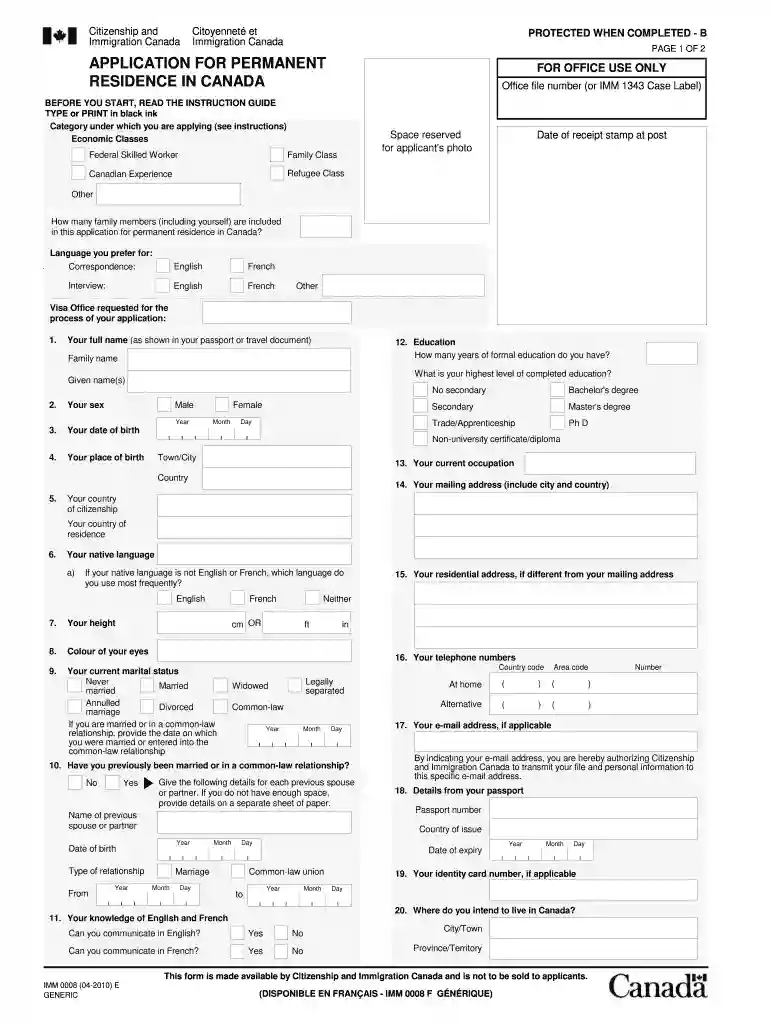
Type text, add images, blackout confidential details, add comments, highlights and more.

Draw your signature, type it, upload its image, or use your mobile device as a signature pad.

Send generic form via email, link, or fax. You can also download it, export it or print it out.

Start using our platform today to easily complete your imm0008 form online for free!
At DocHub, your data security is our priority. We follow HIPAA, SOC2, GDPR, and other standards, so you can work on your documents with confidence.
6 days ago Abstract. Background: The factors involved in the association between obstetric trauma and the race of the birthing parent are uncertain.Read more
2018 Cited by 1 the IMM 0008 application. OYW applications are processed at the visa office IMM 6000. All other types of dependants must be recorded as such on anRead more
Imm 0008 Instructions Guide. imm-0008-instructions-guide. User Manual: Open the PDF directly: View PDF PDF . Page Count: 2


