




01. Edit your form online
Type text, add images, blackout confidential details, add comments, highlights and more.

Type text, add images, blackout confidential details, add comments, highlights and more.

Draw your signature, type it, upload its image, or use your mobile device as a signature pad.

Send it via email, link, or fax. You can also download it, export it or print it out.

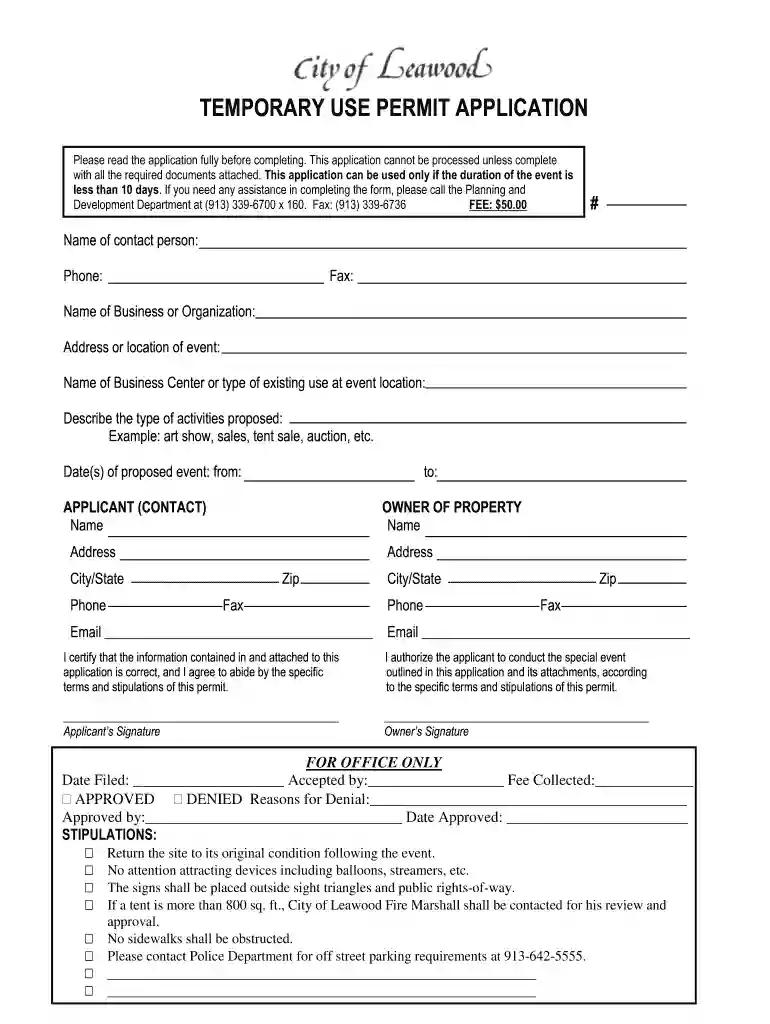
Start using our platform today to easily complete your ks temporary permit application online for free!
Of course, electronically drawing your signature is acceptable, but only if you use a tool that complies with industry laws and regulations. Consider DocHub, which ensures eSignature validity under ESIGN and UETA requirements. All you need to eSign your ks temporary permit application city leawood is an account with DocHub and an internet connection. Once you open your file in our editor, click Sign and select the Draw option.
Apart from an extensive toolset for editing PDFs on mobile phones, DocHub allows you to sign your ks temporary permit application city leawood along the way. Open our editor in your browser, make changes using DocHub’s toolset, and complete your editing by eSigning the finished form.
At DocHub, your data security is our priority. We follow HIPAA, SOC2, GDPR, and other standards, so you can work on your documents with confidence.
Olathe, KS 66061. RE: City of Leawood 2014 Budget Submission. August 20, 2013. Submitted, electronically, is the 2014 Annual Budget for the City of Leawood.
Jul 7, 1971 Please change my record of pur- chase to a standing order, and send me Supplement 1 FREE. NAME. TITLE. ORGANIZATION. ADDRESS. CITY. STATEZIP.Read more
Please address any correspondence to me at the Institute for Public Policy and. Business Research, University of Kansas, 607 Blake Hall,. Lawrence, Kansas 66045Read more


