




01. Edit your form online
Type text, add images, blackout confidential details, add comments, highlights and more.

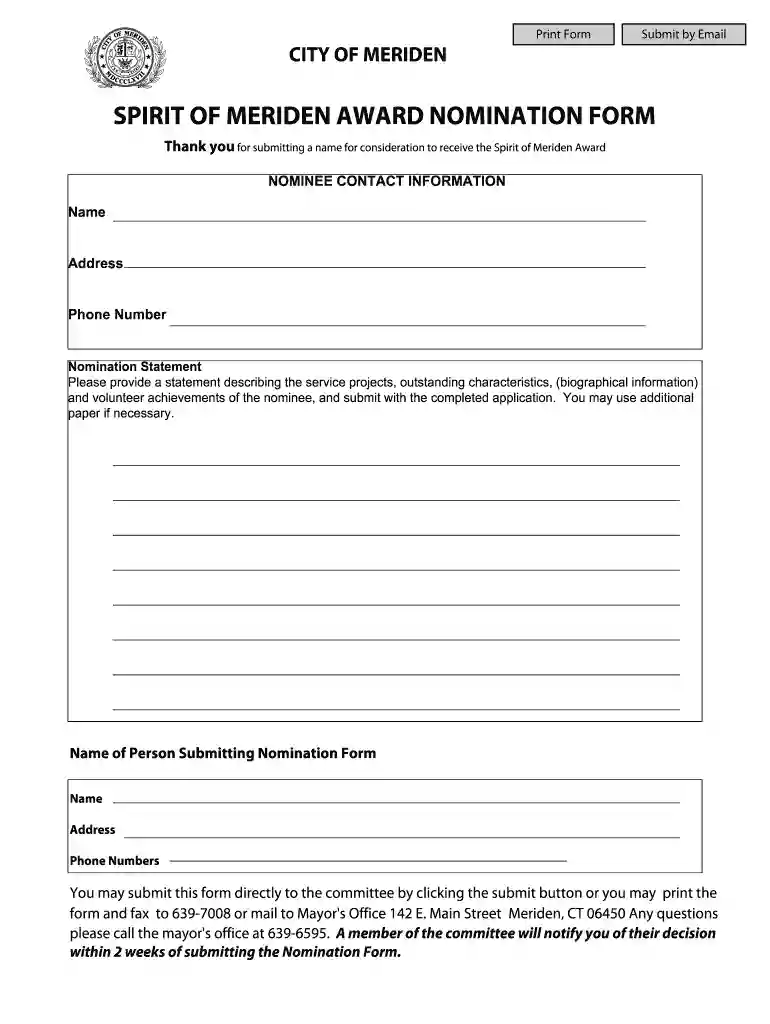
Type text, add images, blackout confidential details, add comments, highlights and more.

Draw your signature, type it, upload its image, or use your mobile device as a signature pad.

Send it via email, link, or fax. You can also download it, export it or print it out.

Start using our platform today for free to streamline your nomination process!
Managing your documentation with DocHub this way is very straightforward once you have downloaded its extension for Google Chrome. Go to the Chrome Web Store and install DocHub - Sign PDF from Gmail to get it. Give our tool access to your Google account, and then open an email containing SPIRIT OF MERIDEN AWARD NOMINATION FORM - City of Meriden as an attachment and point to the file with your cursor - the DocHub extension button will automatically appear there. Click on it to open your file in our editor. Make any required edits, fill out the blanks, and click Sign to create your legally-binding eSignature.
You can easily edit fill out your SPIRIT OF MERIDEN AWARD NOMINATION FORM - City of Meriden on any iOS device. Open an internet browser of your liking, go to the DocHub site, authorize or create a new account, add your file for editing, and make your required alterations. Our service is mobile-friendly, so using its functions on your smartphone will be a no-brainer, even on the first try.
At DocHub, your data security is our priority. We follow HIPAA, SOC2, GDPR, and other standards, so you can work on your documents with confidence.
COMPUMIX IV. The Fourth Generation Console. Automation System is here. Compumix. IV advances dynamic automation tech- nology far beyond the capabilities of.Read more
Apr 8, 2008 This registration form with credit card number may be faxed to 203-785-8652 the Spirit of Meriden award. She is a sub- stitute elementaryRead more


