




01. Edit your form online
Type text, add images, blackout confidential details, add comments, highlights and more.

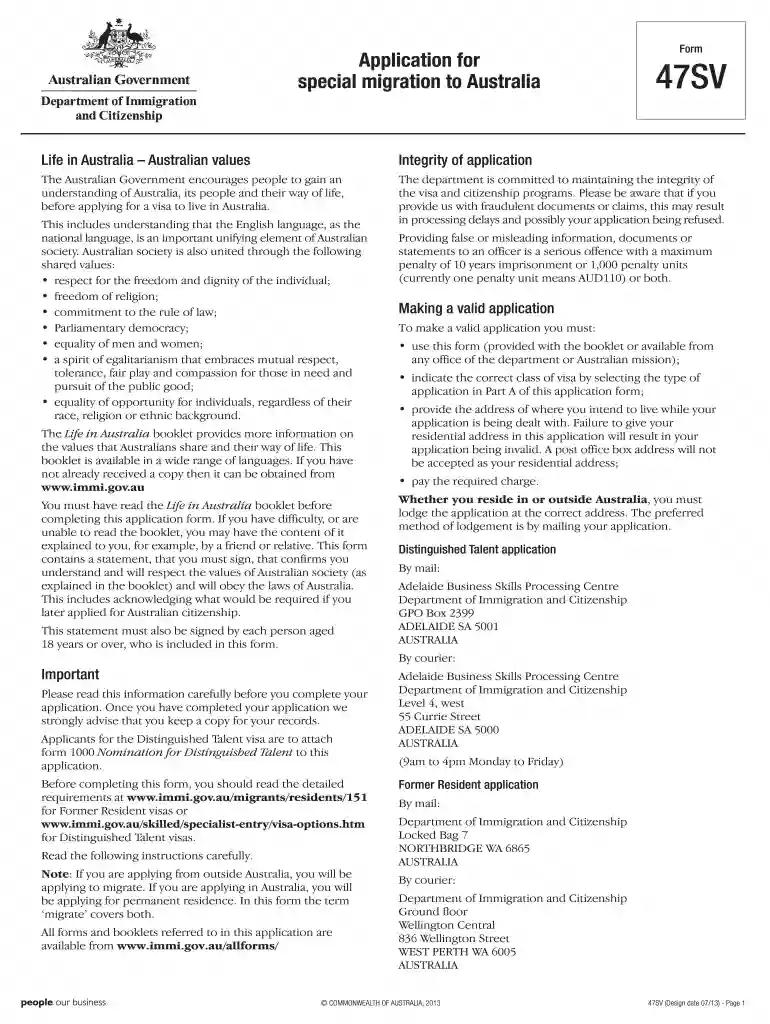
Type text, add images, blackout confidential details, add comments, highlights and more.

Draw your signature, type it, upload its image, or use your mobile device as a signature pad.

Send it via email, link, or fax. You can also download it, export it or print it out.

Start filling out form 47sv today on our platform for free!
At DocHub, your data security is our priority. We follow HIPAA, SOC2, GDPR, and other standards, so you can work on your documents with confidence.
This publication contains selected aircraft accident reports in Brief Format occurring in U.S. civil and foreign aviation operations during Calendar Year.Read more
Jan 13, 2026 Record all cattle IDs, including age, gender, and breed. Use multiple ID methods to ensure accurate identification and traceability.


