




01. Edit your form online
Type text, add images, blackout confidential details, add comments, highlights and more.

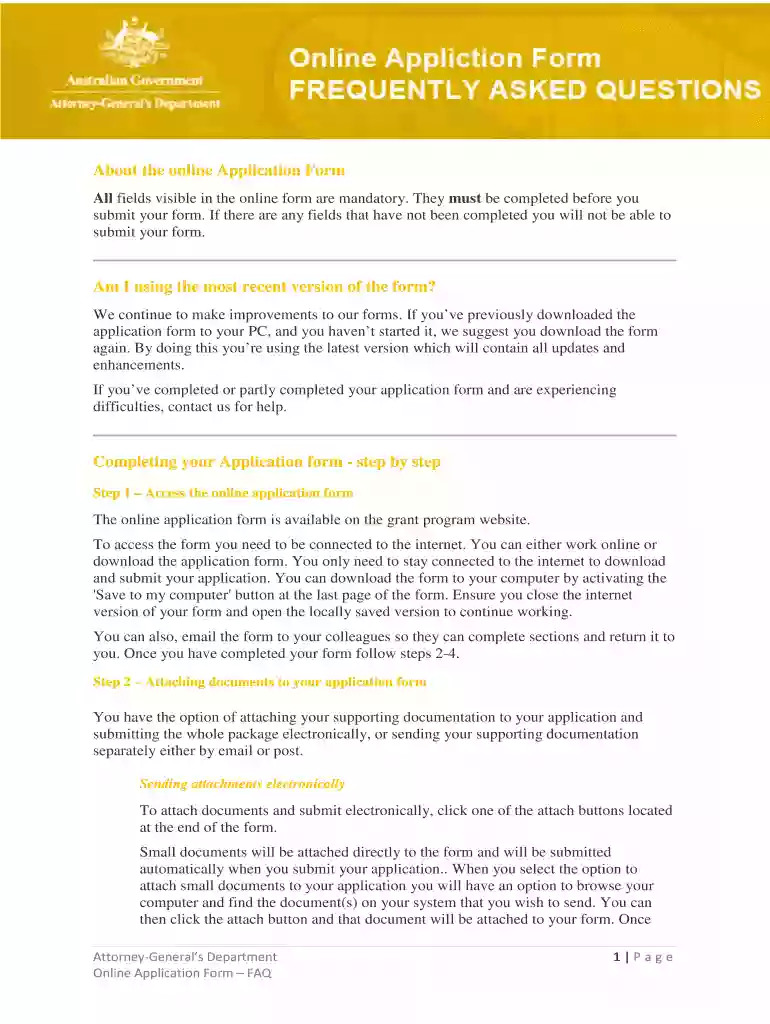
Type text, add images, blackout confidential details, add comments, highlights and more.

Draw your signature, type it, upload its image, or use your mobile device as a signature pad.

Send it via email, link, or fax. You can also download it, export it or print it out.

Start using our platform today to streamline your application process for free!
At DocHub, your data security is our priority. We follow HIPAA, SOC2, GDPR, and other standards, so you can work on your documents with confidence.
Assistant United States Attorneys (AUSAs) often say they have the best job (for a lawyer) in the world. AUSAs do important public interest work whileRead more
The information in this book can help administrators maintain an IBM Content. Manager OnDemand for Multiplatforms Version 8 Release 4 Modification.Read more
Filing a Consumer Complaint. If youve been victimized by fraud, deception, or unfair methods of competition, the Consumer Protection Division of the IllinoisRead more


