




01. Edit your requirement ii online
Type text, add images, blackout confidential details, add comments, highlights and more.

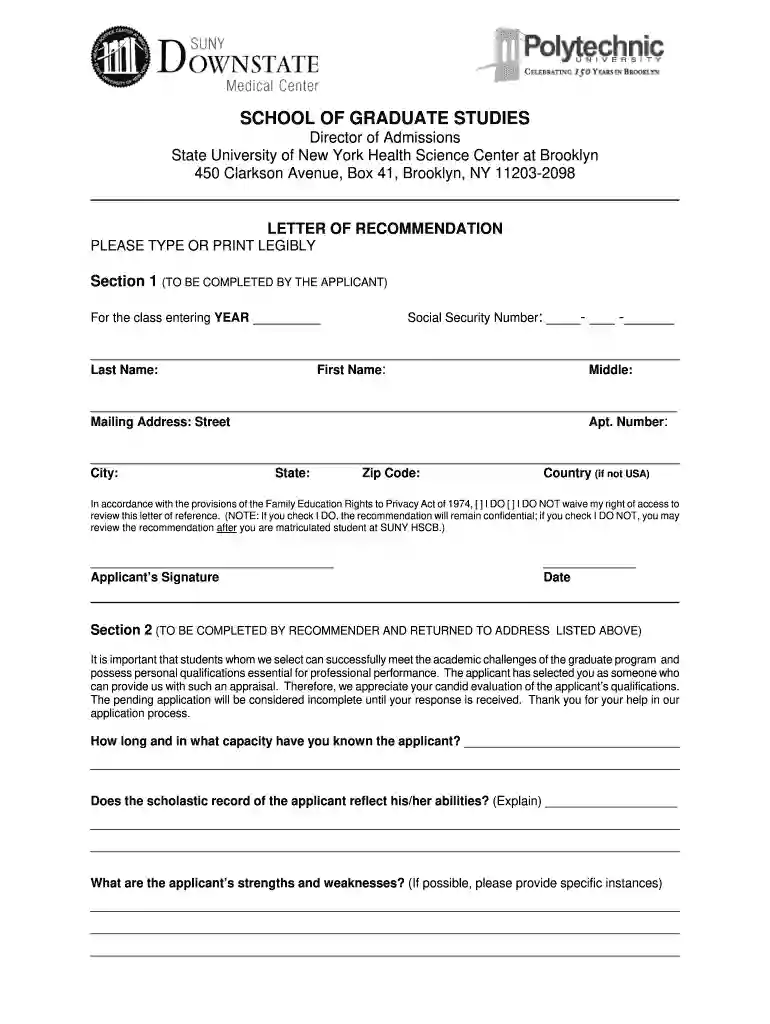
Type text, add images, blackout confidential details, add comments, highlights and more.

Draw your signature, type it, upload its image, or use your mobile device as a signature pad.

Send suny downstate volunteer via email, link, or fax. You can also download it, export it or print it out.

Start filling out your form today for free using our platform!
At DocHub, your data security is our priority. We follow HIPAA, SOC2, GDPR, and other standards, so you can work on your documents with confidence.
SUNY Downstate Medical Center. Eva Cramer. Vice President. 450 Clarkson Ave Brooklyn, NY 11203. United States. START-UP NY School. Tech and Electronics.Read more
SUNY Downstate is home to five schools and colleges and University Hospital of Brooklyn. We are New York Citys only SUNY academic medical center.


