




01. Edit your form online
Type text, add images, blackout confidential details, add comments, highlights and more.

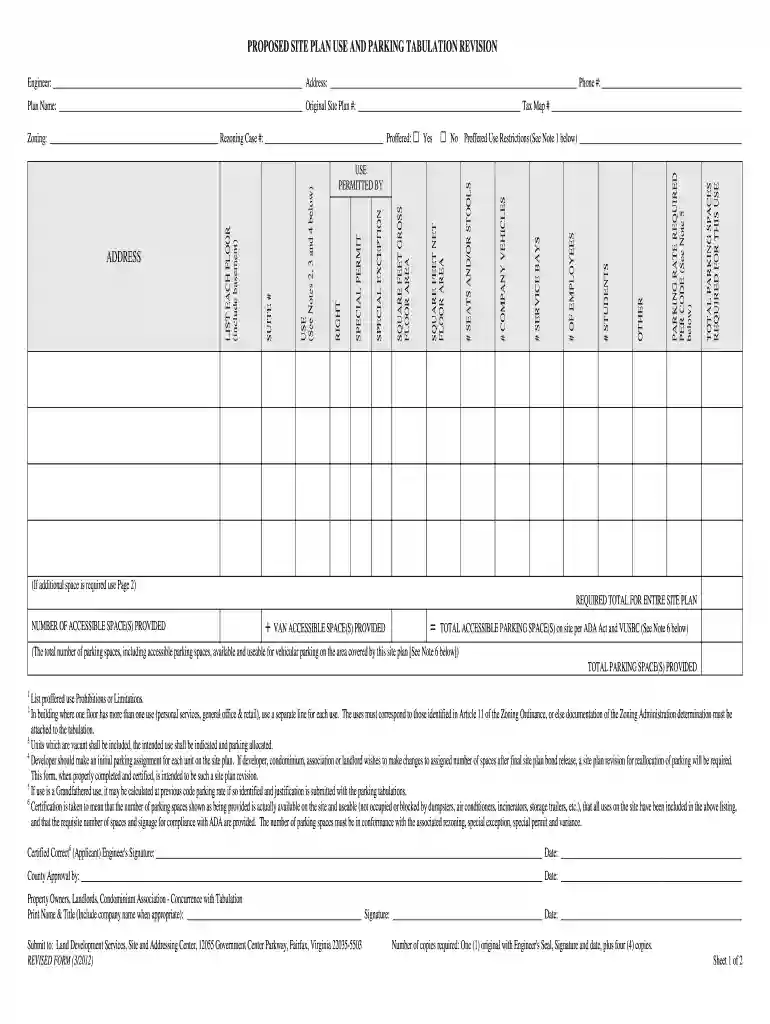
Type text, add images, blackout confidential details, add comments, highlights and more.

Draw your signature, type it, upload its image, or use your mobile device as a signature pad.

Send it via email, link, or fax. You can also download it, export it or print it out.

Start using our platform today to streamline your document editing and form completion process for free!
At DocHub, your data security is our priority. We follow HIPAA, SOC2, GDPR, and other standards, so you can work on your documents with confidence.
Purchasing Services is here to help all those interested in or already doing business with the University of Minnesota system.Read more
Sep 3, 1998 This document has been reviewed and approved in accordance with U.S. Environmental Protection. Agency policy. Mention of trade names orRead more
Dec 5, 2024 The parking tabulation must demonstrate that the number of existing parking spaces on site meets the minimum off-street parking requirements forRead more


