




01. Edit your marshall attendance form online
Type text, add images, blackout confidential details, add comments, highlights and more.

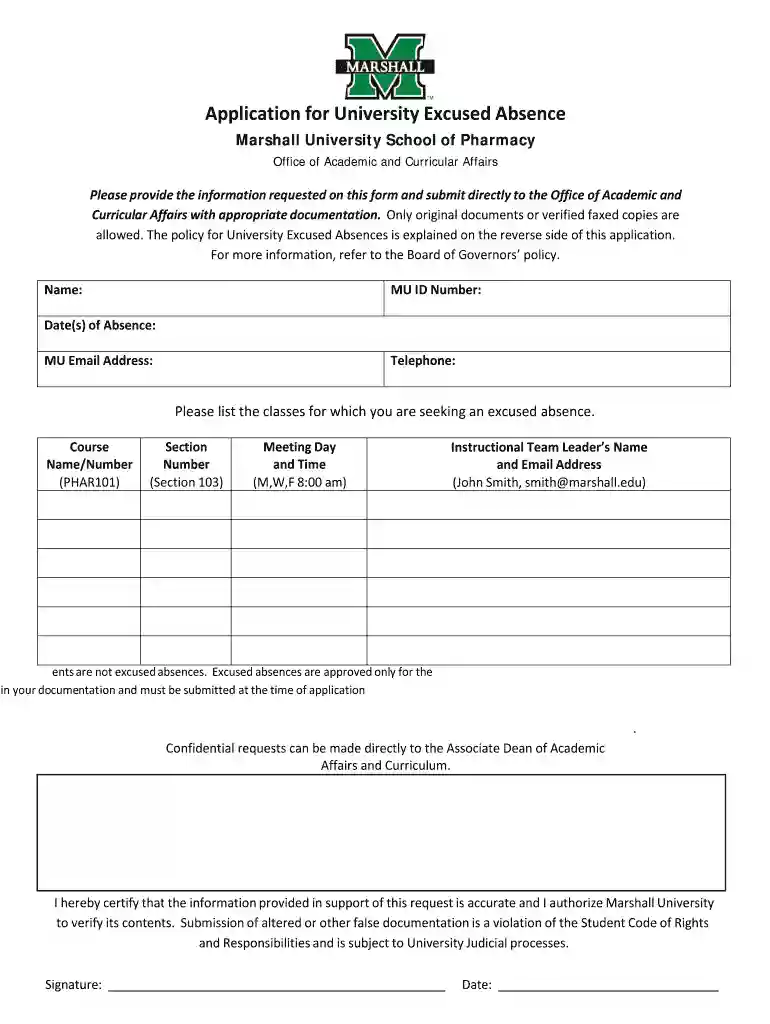
Type text, add images, blackout confidential details, add comments, highlights and more.

Draw your signature, type it, upload its image, or use your mobile device as a signature pad.

Send marshall university excused absence via email, link, or fax. You can also download it, export it or print it out.

Start using our platform today to easily complete your application excused absence form online for free!
At DocHub, your data security is our priority. We follow HIPAA, SOC2, GDPR, and other standards, so you can work on your documents with confidence.
NOTE: Except in unusual circumstances, students WILL NOT be permitted to re-schedule missed make-up days. This could result in the student be dismissed from theRead more
Our records indicate that your child, [ADD NAME OF CHILD], in the [ADD GRADE LEVEL] grade was absent for more than 30 minutes on: [ADD DATE(S) OF ABSENCE HERE]Read more


