




01. Edit your children's product certificate template online
Type text, add images, blackout confidential details, add comments, highlights and more.

Type text, add images, blackout confidential details, add comments, highlights and more.

Draw your signature, type it, upload its image, or use your mobile device as a signature pad.

Send cpc template via email, link, or fax. You can also download it, export it or print it out.

Start using our platform today to easily create your Children's Product Certificate for free!
Most eSignature solutions require users to have a paid subscription. With DocHub, there are two options for you to create an electronic signature to your children's product certificate pdf at no cost:
The second option, though, has limitations on the number of signatures, sign requests, emails, and documents for editing available per month. You can check for full information here.
When you go for analog methods of completing your children's product certificate example, it is simple to download your file for printing. Search DocHub’s Forms & Templates catalog to get the exact document template you require and open it for editing or download it on your gadget in the format of your liking. It is easy to complete your form electronically and put your handwritten signature on it right after printing or eSign your document with DocHub.
At DocHub, your data security is our priority. We follow HIPAA, SOC2, GDPR, and other standards, so you can work on your documents with confidence.
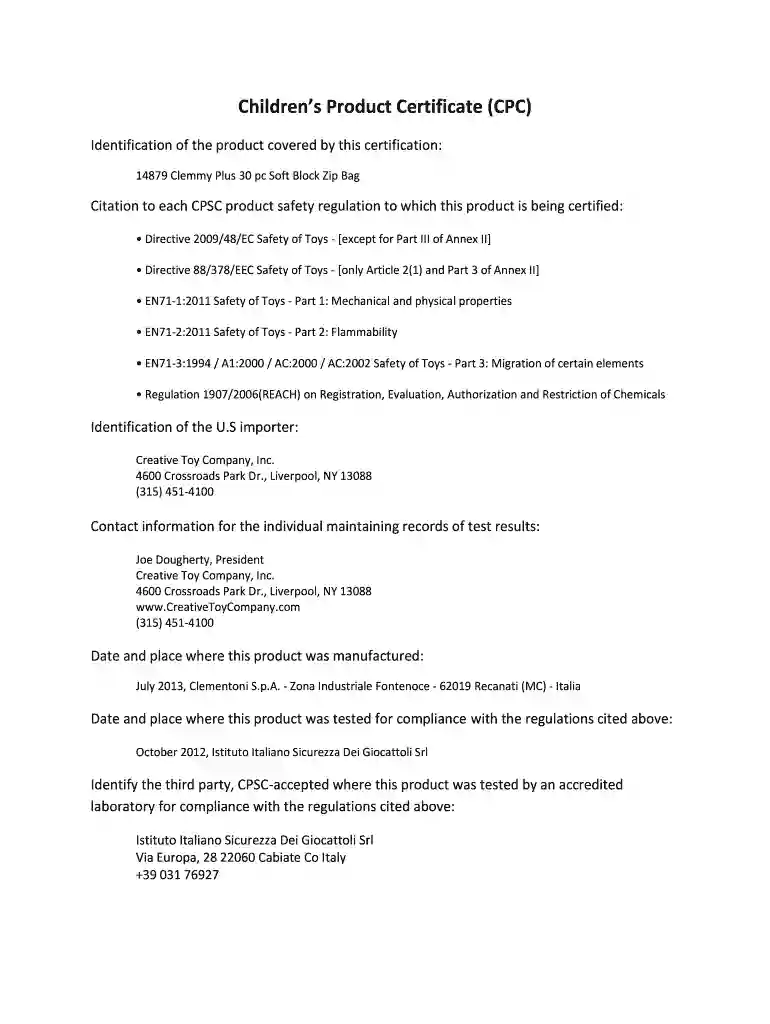
Download a PDF version of this example here. Childrens Product Certificate. Identification of the product covered by this certificate. Childrens Toy ShapeRead more
A childrens product means a consumer product designed or intended primarily for children 12 years of age or younger.Read more
We knew from the start that addressing PMM2-CDG meant more than just creating a drug, it meant designing a solution that was accessible, practical, and centeredRead more


