




01. Edit your bionic haverford online
Type text, add images, blackout confidential details, add comments, highlights and more.

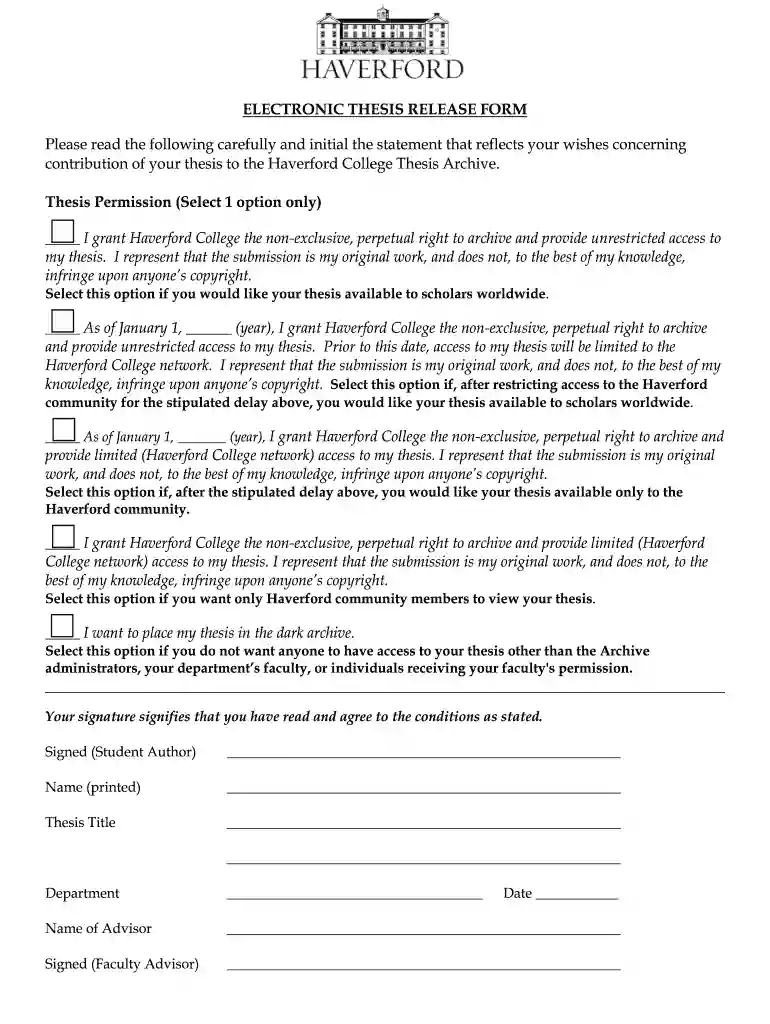
Type text, add images, blackout confidential details, add comments, highlights and more.

Draw your signature, type it, upload its image, or use your mobile device as a signature pad.

Send haverford bionic via email, link, or fax. You can also download it, export it or print it out.

Start using our platform today for free to streamline your document editing and signing process!
At DocHub, your data security is our priority. We follow HIPAA, SOC2, GDPR, and other standards, so you can work on your documents with confidence.
Jul 17, 2023 The Common Application and Universal College Application, used by many USA colleges, used to restrict answers to only the binary sexRead more
Dec 16, 2019 In August 2019, Hiemstra pled guilty to using a school computer and someone elses username without that persons permission in an attemptRead more


