




01. Edit your form online
Type text, add images, blackout confidential details, add comments, highlights and more.

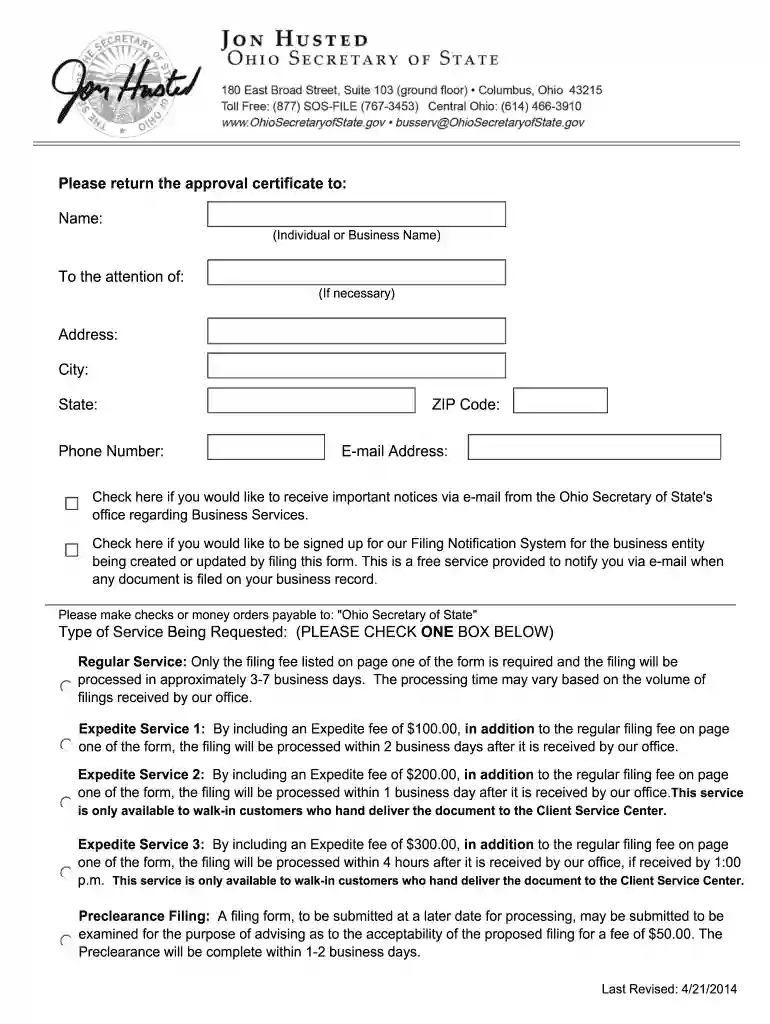
Type text, add images, blackout confidential details, add comments, highlights and more.

Draw your signature, type it, upload its image, or use your mobile device as a signature pad.

Send it via email, link, or fax. You can also download it, export it or print it out.

Start using our platform today for free to streamline your form completion process!
At DocHub, your data security is our priority. We follow HIPAA, SOC2, GDPR, and other standards, so you can work on your documents with confidence.
May 20, 1997 Automation of Medical Optional Form 523B This document has been published in the Federal Register. Use the PDF linked in the document sidebarRead more
A discharge under section 727, 1141, 1192 [1] 1228(a), 1228(b), or 1328(b) of this title does not discharge an individual debtor from any debtRead more


