Contract Data - fs fed 2026

Get Form
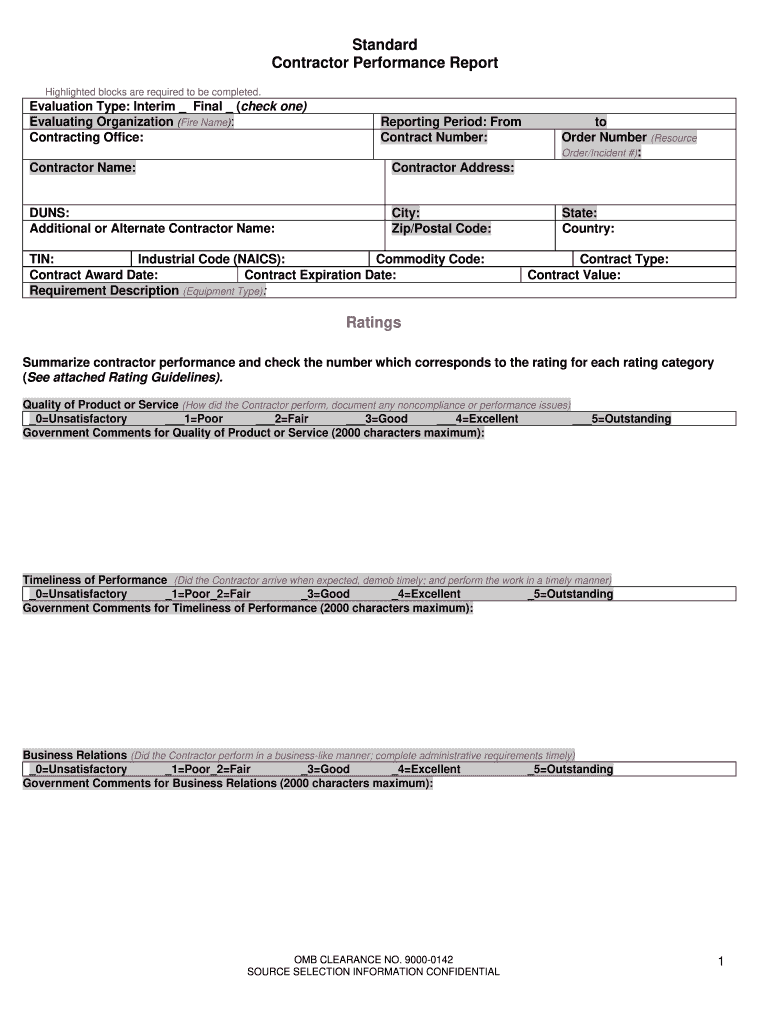
Contract Data - fs fed Preview on Page 1

Here's how it works

01. Edit your form online
Type text, add images, blackout confidential details, add comments, highlights and more.
02. Sign it in a few clicks
Draw your signature, type it, upload its image, or use your mobile device as a signature pad.
03. Share your form with others
Send it via email, link, or fax. You can also download it, export it or print it out.

How to use or fill out Contract Data - fs fed with our platform

Form edit decoration
9.5
Ease of Setup
DocHub User Ratings on G2
9.0
Ease of Use
DocHub User Ratings on G2
  1. Click ‘Get Form’ to open the Contract Data - fs fed in the editor.
  2. Begin by filling out the 'Evaluation Type' section. Select either 'Interim' or 'Final' by checking the appropriate box.
  3. In the 'Evaluating Organization' field, enter the name of your organization, followed by the 'Contracting Office'.
  4. Complete the 'Reporting Period', specifying both start and end dates, and provide the relevant 'Contract Number'.
  5. Fill in contractor details including their name, address, DUNS number, and any additional names if applicable.
  6. Proceed to rate contractor performance in various categories such as Quality of Product or Service. Check the corresponding rating based on your evaluation.
  7. Provide comments for each rating category within the specified character limits to elaborate on your assessments.
  8. Finally, complete all administrative information fields at the bottom of the form, ensuring all contact details are accurate.

Start using our platform today to streamline your document editing and completion process for free!

be ready to get more

Complete this form in 5 minutes or less

Get form

Got questions?

We have answers to the most popular questions from our customers. If you can't find an answer to your question, please contact us.
Contact us
Awarded contracts reported to FPDS typically include those made: With replenishable stock and revolving funds. With funds transferred from one executive agency to another (where the servicing agency contracts for the supplies or services), or by one agency to another.
USAspending.gov is a consumer of the authoritative source for contracting data found in Federal Procurement Data System (FPDS). FPDS data is available to the public as well and can be seen at: .
SAM.gov is a free, centralized source for finding and bidding on U.S. government contract opportunities, awards and publishing subcontract reports. Download Contract Data. Visit the Data Bank to download or run reports on contract opportunities data and contract award data from FPDS.gov .
Federal business opportunities for contractors are listed at SAM.gov. Government agencies are required to use SAM to advertise all contracts over $25,000.
GSA Number Lookup If you want to find the GSA contract number for any particular vendor, the easiest way to find the GSA number is to go to gsaelibrary.gsa.gov.

Security and compliance

At DocHub, your data security is our priority. We follow HIPAA, SOC2, GDPR, and other standards, so you can work on your documents with confidence.

Learn more
ccpa2
pci-dss
gdpr-compliance
hipaa
soc-compliance
be ready to get more

Complete this form in 5 minutes or less

Get form

People also ask

The most common types of government contracts are fixed-price, cost-reimbursement, and indefinite delivery/indefinite quantity (IDIQ) contracts due to their distinct characteristics that cater to government procurements various needs and risk profiles.

Related links