




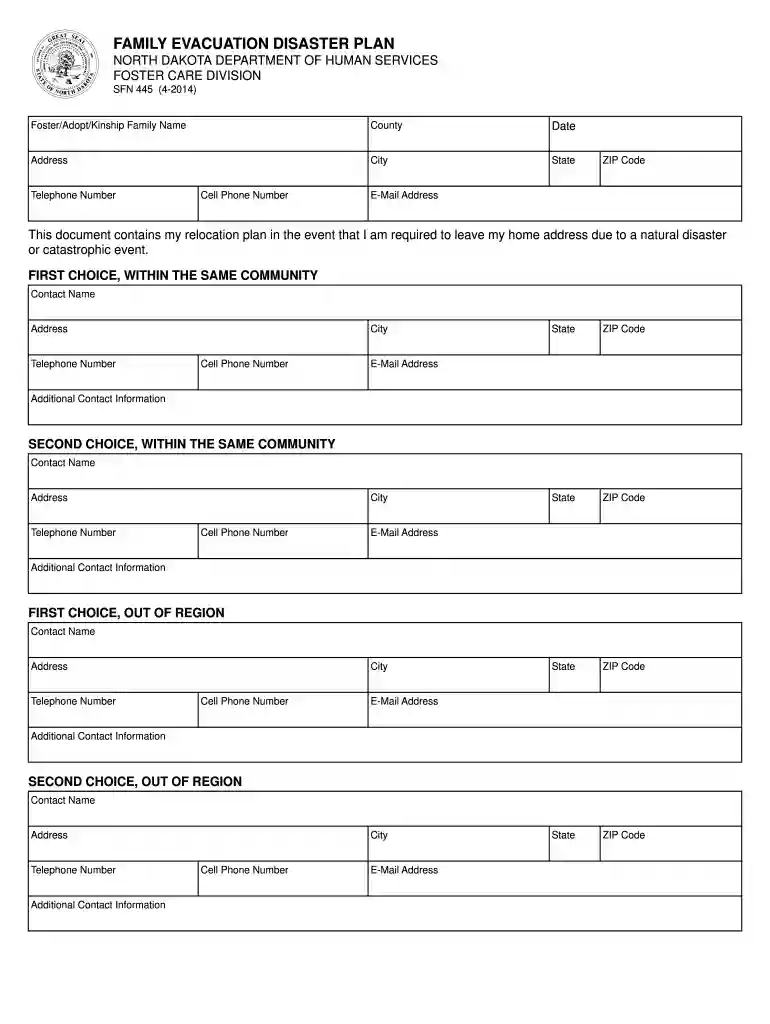
01. Edit your sqte 445 online
Type text, add images, blackout confidential details, add comments, highlights and more.

Type text, add images, blackout confidential details, add comments, highlights and more.

Draw your signature, type it, upload its image, or use your mobile device as a signature pad.

Send it via email, link, or fax. You can also download it, export it or print it out.

Start using our platform today to easily complete your Family Evacuation Disaster Plan!
At DocHub, your data security is our priority. We follow HIPAA, SOC2, GDPR, and other standards, so you can work on your documents with confidence.
Foster care provider must complete the SFN 445;; The authorized licensing agent worker must send the completed form along with the licensing packet to theRead more
CSCI 445. Software Projects Capstone. 3 Credits. Presentations on the mechanics of working cooperatively as a team doing commercial software development.Read more
Feb 12, 2026 Indian River power station is a retired power station in Millsboro, Sussex, Delaware, United States. It is also known as IRGS.


