




01. Edit your incident blanket online
Type text, add images, blackout confidential details, add comments, highlights and more.

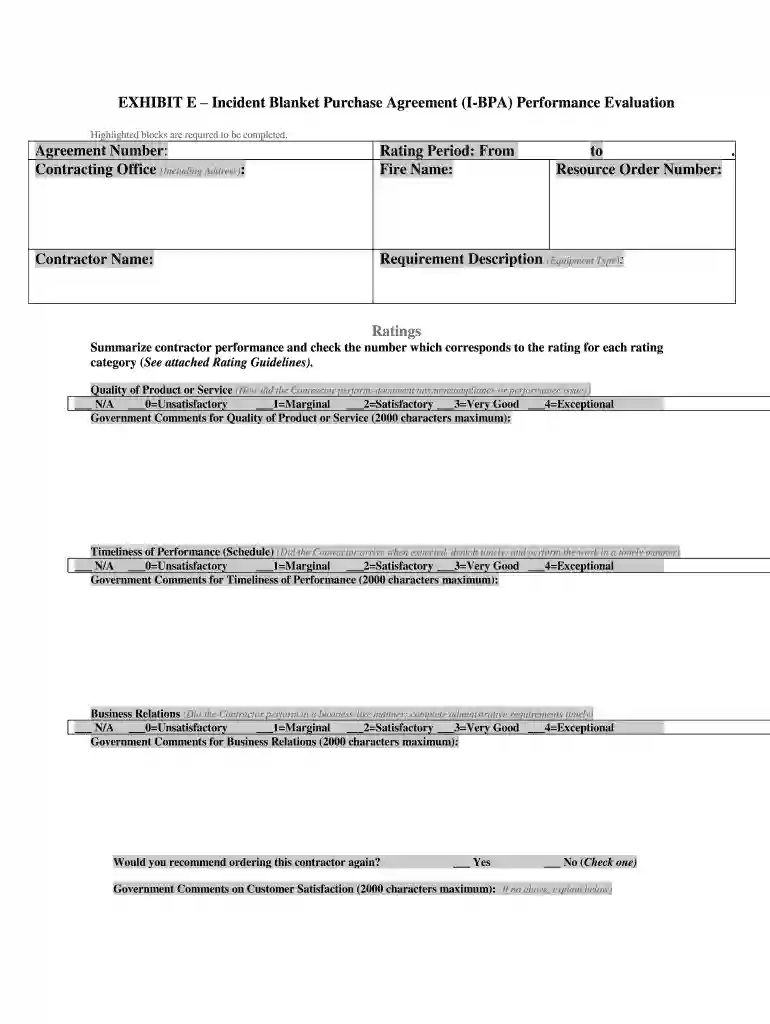
Type text, add images, blackout confidential details, add comments, highlights and more.

Draw your signature, type it, upload its image, or use your mobile device as a signature pad.

Send it via email, link, or fax. You can also download it, export it or print it out.

Start using our platform today for free to streamline your document editing and form completion!
At DocHub, your data security is our priority. We follow HIPAA, SOC2, GDPR, and other standards, so you can work on your documents with confidence.
Bisphenol-A (BPA) is one of the highest volume chemicals produced worldwide. It is used to harden plastics, keep bacteria from growing in foods, and preventRead more
Incident Blanket Purchase Agreement (I-BPA) Policy. Supplement No. 6309.32-2011-4 has been issued to FSAR Part 13 and is now posted.Read more
DocHubing out to specialists and simultaneously presenting the initiative to the general public are always key components of integrated human practice.Read more


