




01. Edit your va form 2507 online
Type text, add images, blackout confidential details, add comments, highlights and more.

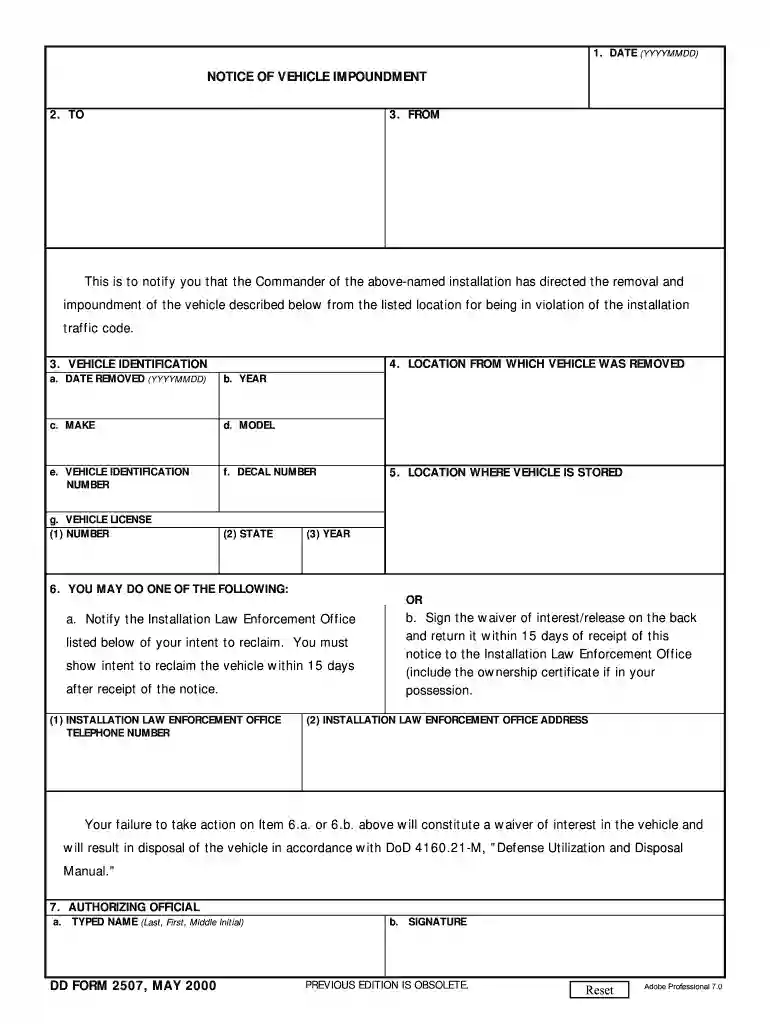
Type text, add images, blackout confidential details, add comments, highlights and more.

Draw your signature, type it, upload its image, or use your mobile device as a signature pad.

Send va 21 2507 via email, link, or fax. You can also download it, export it or print it out.

Start using our platform today to fill out VA Form 21 2507 easily and for free!
At DocHub, your data security is our priority. We follow HIPAA, SOC2, GDPR, and other standards, so you can work on your documents with confidence.
MALE HYPOGONADISM. 11. 3.1. Epidemiology and prevalence of male hypogonadism. 11. 3.1.1 Body Composition and Metabolic Profile.Read more
Mar 11, 2024 ATTN TCs: USE NMAR FORM 2100 TO MAKE ANY DISCLOSURES. REQUIRED BY BROKER DUTIES. 00 Buyer is a New Mexico Real Estate Broker. D Seller is a NewRead more
A 2507 examination request is a request for specific examination(s) to be performed on a veteran to determine compensation or pension benefits. The regionalRead more


