




Here's how it works



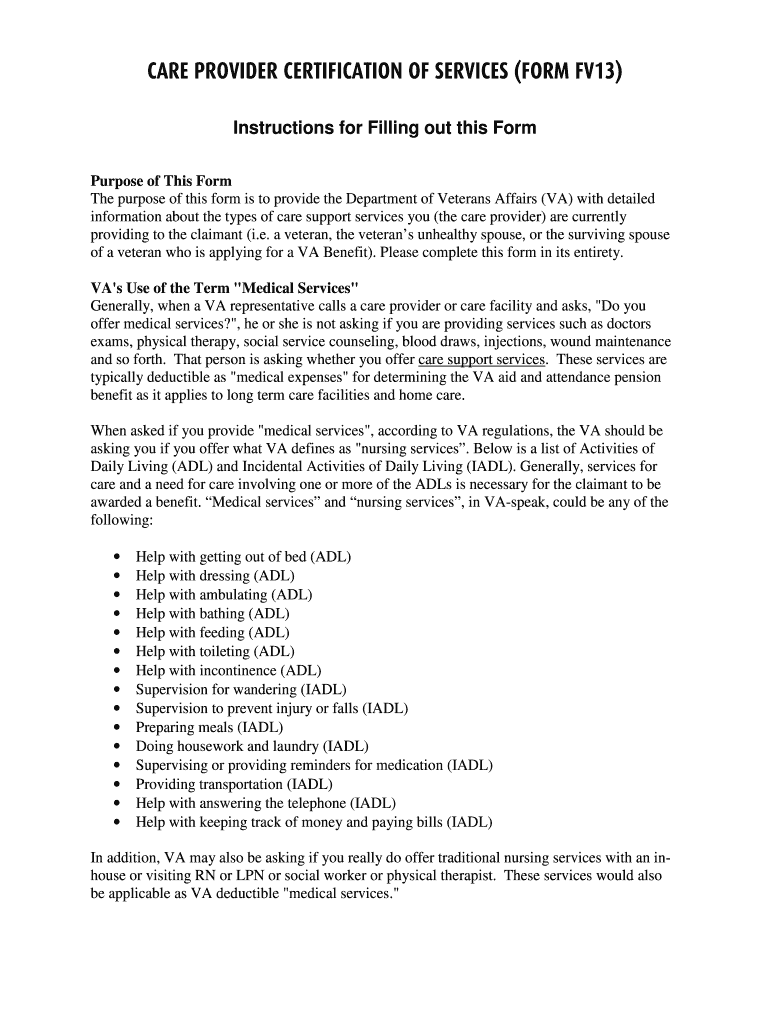
How to use or fill out fv13 with our platform

- Click ‘Get Form’ to open the FV13 in the editor.
- Begin by entering the 'Name of Person Receiving Care Services' in Line 1. This should be the veteran or their spouse.
- In Line 2, provide the 'Name of Veteran' for VA purposes, ensuring it matches official records.
- Fill in Line 3 with the 'Veteran Social Security Number or VA Case Number.' If there is no case number, leave it blank.
- Complete Lines 4 through 10 with the necessary address and contact information for both the care recipient and provider.
- Check the appropriate box for the type of service offered by your care facility, such as Assisted Living or Nursing Home.
- Document any monthly charges and service details as required, ensuring you have supporting invoices marked 'paid.'
- Finally, ensure that a responsible person signs and dates the form at the bottom to certify its accuracy.
Start filling out your FV13 form online for free today!
It's free
Got questions?
Can I sign my fv13 on a mobile?
Of course, you’ll find numerous apps for this on the web. Nevertheless, if you need to eSign your fv13 without installing extra software, DocHub is the best choice you can make. This robust editor works on mobile devices just like on desktops. Open our editor in any internet browser, register or sign in to your account, and start managing your documents.
How do you get fv13 for my state?
If you are looking for a state-specific fv13 sample, you will find it in our DocHub Forms & Templates catalog. Use the search field, enter your form’s name, and search through the results for your state. You can also filter out irrelevant results while searching our catalog by categories.
Security and compliance
At DocHub, your data security is our priority. We follow HIPAA, SOC2, GDPR, and other standards, so you can work on your documents with confidence.
Learn more




