




01. Edit your prds forms online
Type text, add images, blackout confidential details, add comments, highlights and more.

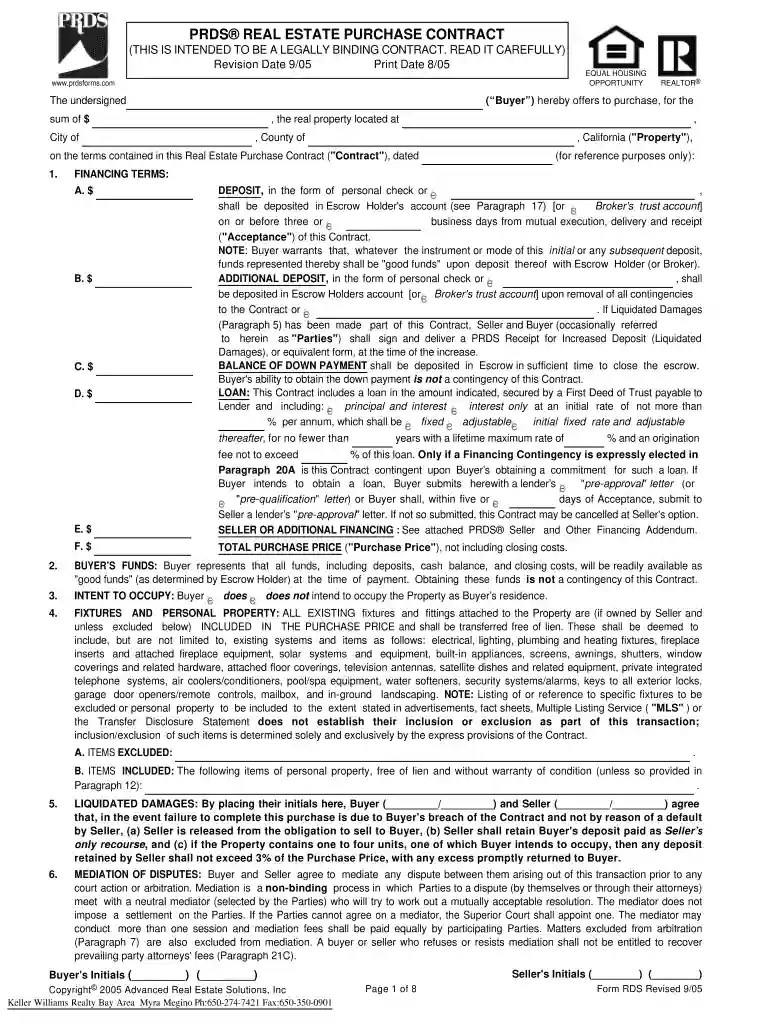
Type text, add images, blackout confidential details, add comments, highlights and more.

Draw your signature, type it, upload its image, or use your mobile device as a signature pad.

Send i794 form via email, link, or fax. You can also download it, export it or print it out.

Start using our platform today to easily fill out your PRDS forms online for free!
At DocHub, your data security is our priority. We follow HIPAA, SOC2, GDPR, and other standards, so you can work on your documents with confidence.
The April 1 deadline for early-bird registration is approaching. Dont miss out on a week of collaboration with other industry professionals. Continue readingRead more
Jul 19, 2013 Existing Dischargers must submit PRDs by. January 1, 2015. E. PRD Requirements for NOI Coverage. 1. Notice of Intent (NOI) and Signed ElectronicRead more


