




01. Edit your form online
Type text, add images, blackout confidential details, add comments, highlights and more.

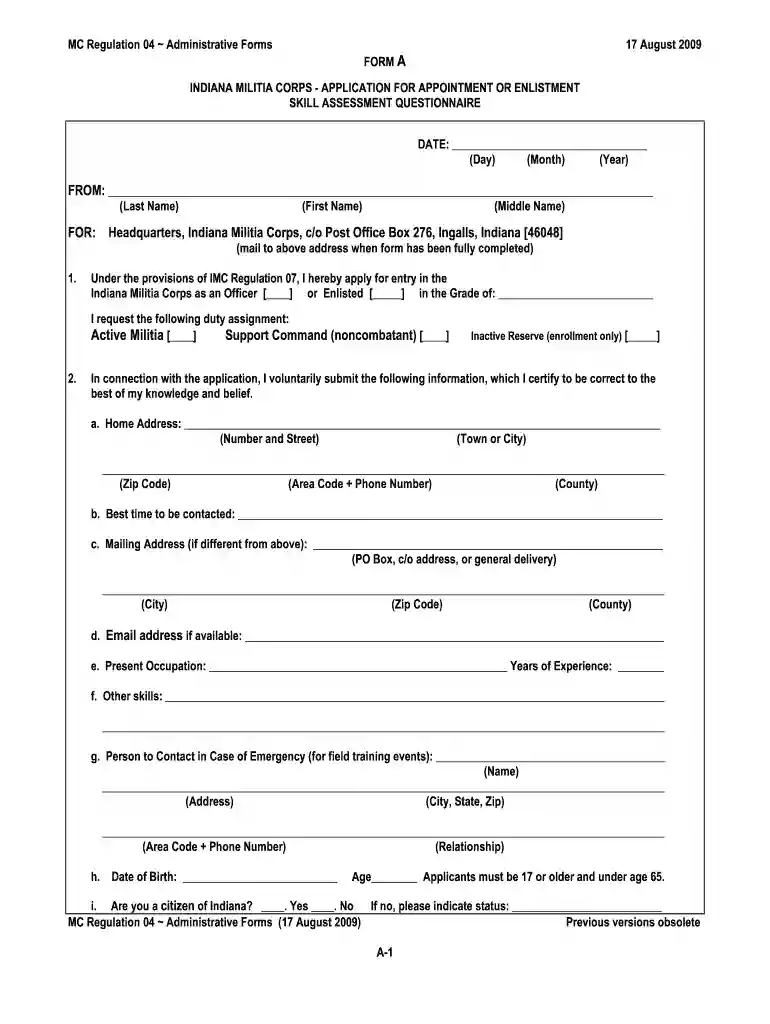
Type text, add images, blackout confidential details, add comments, highlights and more.

Draw your signature, type it, upload its image, or use your mobile device as a signature pad.

Send it via email, link, or fax. You can also download it, export it or print it out.

Start filling out form 22 today on our platform for free!
At DocHub, your data security is our priority. We follow HIPAA, SOC2, GDPR, and other standards, so you can work on your documents with confidence.
We have approved your request dated July 25, 2018, to supplement your Biologics. License Application (BLA) submitted under section 351(a) ofRead more
Do not use this form to apply for Vocational Rehabilitation and Employment benefits (chapter 31 of title 38, U.S. Code), Dependents Educational.Read more
Application for VA Education Benefits (VA Form 22-1990). Use VA Form 22-1990 if you want to apply for education benefits for the first time or make changes toRead more


