




01. Edit your doctor visit preparation form online
Type text, add images, blackout confidential details, add comments, highlights and more.

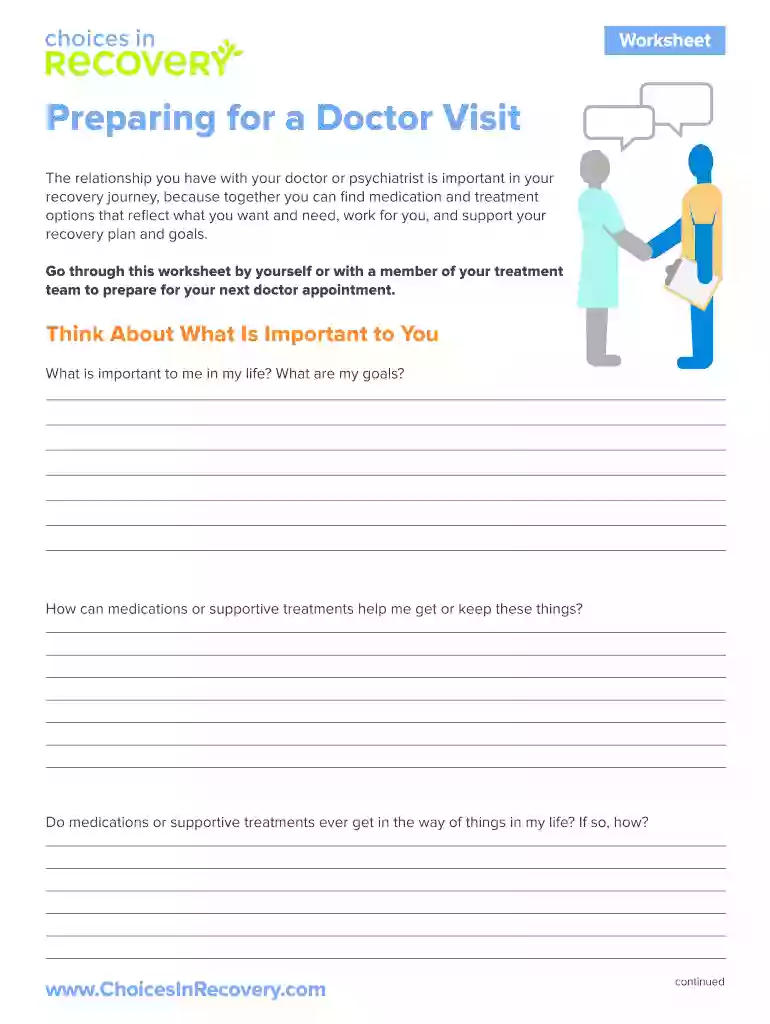
Type text, add images, blackout confidential details, add comments, highlights and more.

Draw your signature, type it, upload its image, or use your mobile device as a signature pad.

Send doctors visit form via email, link, or fax. You can also download it, export it or print it out.

Start using our platform today to prepare effectively for your doctor visit—it's free and user-friendly!
At DocHub, your data security is our priority. We follow HIPAA, SOC2, GDPR, and other standards, so you can work on your documents with confidence.
Ask how and if a treatment will help you. Find out about risks of the treatments. What can you do to prepare for your treatment? Ask for copies of your healthRead more
Mar 21, 2019 Essentially, the per protocol group is the completers analysis, which means that they completed the majority of their visits and were includedRead more


