




01. Edit your massachusetts state online
Type text, add images, blackout confidential details, add comments, highlights and more.

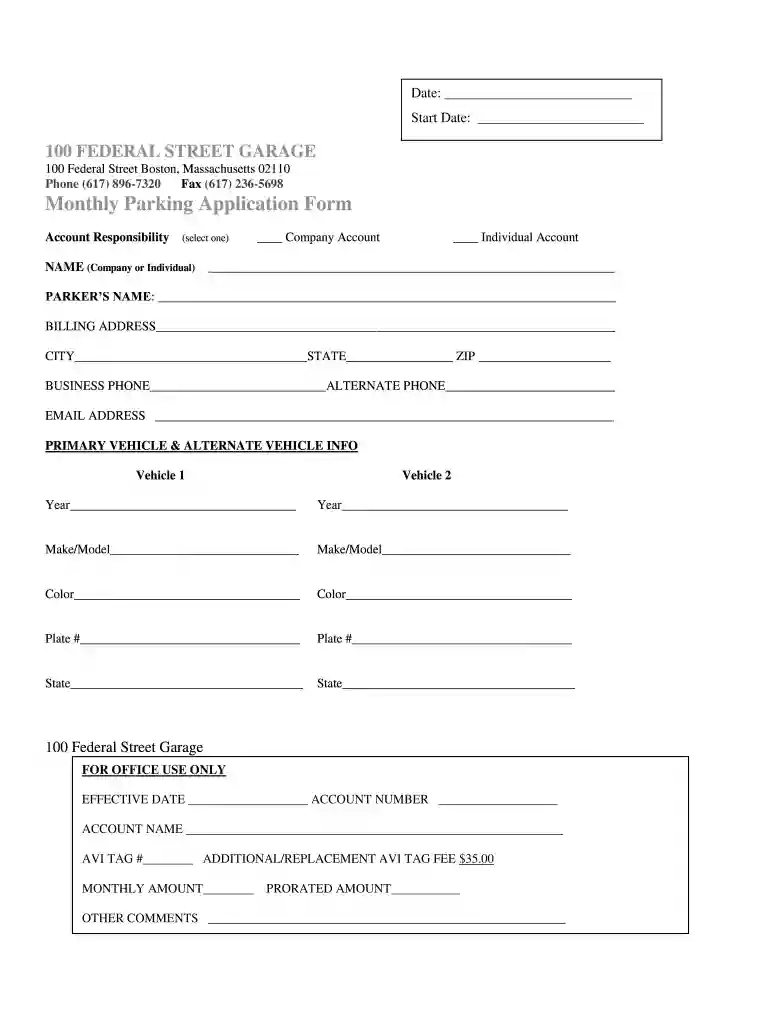
Type text, add images, blackout confidential details, add comments, highlights and more.

Draw your signature, type it, upload its image, or use your mobile device as a signature pad.

Send massachusetts text via email, link, or fax. You can also download it, export it or print it out.

Start filling out your application today for free using our platform!
Microsoft Word doesn’t have signing tools to create valid eSignatures and enforceable paperwork. Fortunately, DocHub is an online eSignature-compliant editor that works with various document formats, including .doc files. Log in to your account and import the Word edition of your parking near 100 federal street boston from your device and cloud, or URL - our editor will automatically turn it into an editable PDF. Make all necessary modifications in your form and click Sign to create your own legally-binding eSignature. There are four signing options from which to choose.
If you are looking for a state-specific Monthly Parking Garage Application - 100 Federal Street sample, you can find it in our DocHub Forms & Templates catalog. Use the search field, key in your form’s name, and search through the results for your state. You may also filter out irrelevant results while exploring our catalog by categories.
At DocHub, your data security is our priority. We follow HIPAA, SOC2, GDPR, and other standards, so you can work on your documents with confidence.
Jul 21, 2021 WHEREAS, the Clerk of the Legislature was authorized to advertise for sealed bids for the sealing and striping of the parking lot located at theRead more
Monthly parking is only for parking vehicles. Your vehicle must be properly registered and you must not have any outstanding parking tickets.Read more


