




Here's how it works

01. Edit your healthy paws login online
Type text, add images, blackout confidential details, add comments, highlights and more.

02. Sign it in a few clicks
Draw your signature, type it, upload its image, or use your mobile device as a signature pad.

03. Share your form with others
Send healthy paws claim form via email, link, or fax. You can also download it, export it or print it out.
How to use or fill out healthy paws claim form with our platform

- Click ‘Get Form’ to open the Healthy Paws Claim Form in our editor.
- Begin by filling out your policy information. Enter your Policy Number, Pet Name, Pet Parent Name, Email, and Phone Number accurately.
- Next, move to the Claim Information section. Input the Invoice Number and Invoice Total as stated on your veterinary invoice.
- Provide details about the Veterinary Hospital Name and the date when your pet first showed symptoms of illness or injury.
- Describe what your pet was treated for in the designated field. If this is your first claim, ensure that you request a copy of your pet’s complete medical history from your veterinary hospital.
- If applicable, indicate if your pet has been seen by another veterinary hospital and provide their name(s).
- Finally, sign and date the declaration section to certify that all information is accurate. Remember to submit this form along with any required documents via email, fax, or regular mail as specified.
Start using our platform today for free to streamline your Healthy Paws claim process!
Fill out healthy paws claim form online
It's free
Security and compliance
At DocHub, your data security is our priority. We follow HIPAA, SOC2, GDPR, and other standards, so you can work on your documents with confidence.
Learn more


Related forms

Emmet-Chalmers Fire Protection District 3041 W Adams Rd
The document is a communication from Chief David Estes of the Emmet-Chalmers Fire Protection District, providing informa ...
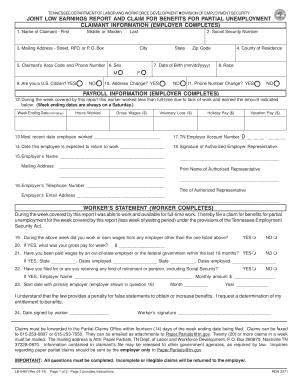
Form lb 0487
The document outlines the process for submitting a Joint Low Earnings Report and Claim for Benefits for Partial Unemploy ...
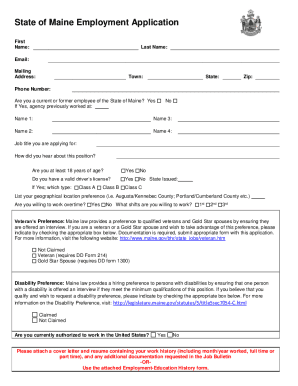
Maine Foreign LLC Registration - Get an Maine Certificate
The document is an employment application for the State of Maine, requiring personal information, job preferences, and q ...
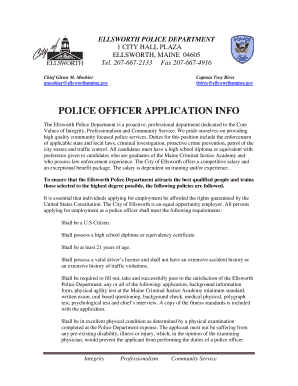
POLICE OFFICER APPLICATION INFO
The document outlines the application process and requirements for becoming a police officer with the Ellsworth Police D ...
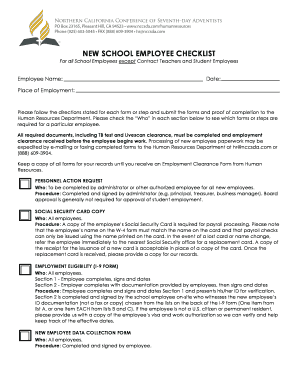
New school employee checklist - Northern California Conference
The document is a comprehensive checklist for new school employees, detailing the necessary forms and procedures require ...
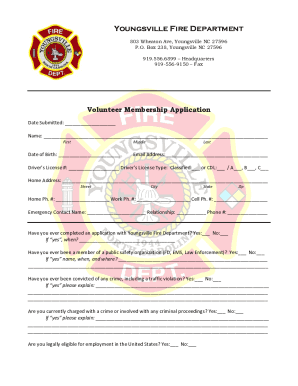
North carolina membership
The document is a volunteer membership application for the Youngsville Fire Department, detailing personal information r ...

Feedback Form for EMS Services - City of Tacoma
The document is an application form for membership at Fern Creek Fire & EMS, allowing applicants to indicate their desir ...
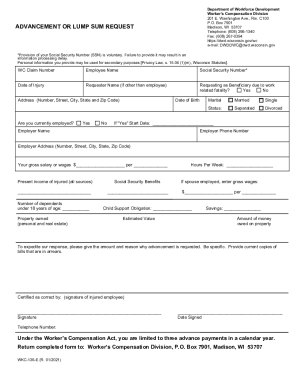
Wisconsin Worker s Compensation Advance Request Form
The document outlines the process for employees to request an advancement of their permanent disability benefits under t ...