




01. Edit your icmje form for disclosure of potential conflicts of interest online
Type text, add images, blackout confidential details, add comments, highlights and more.

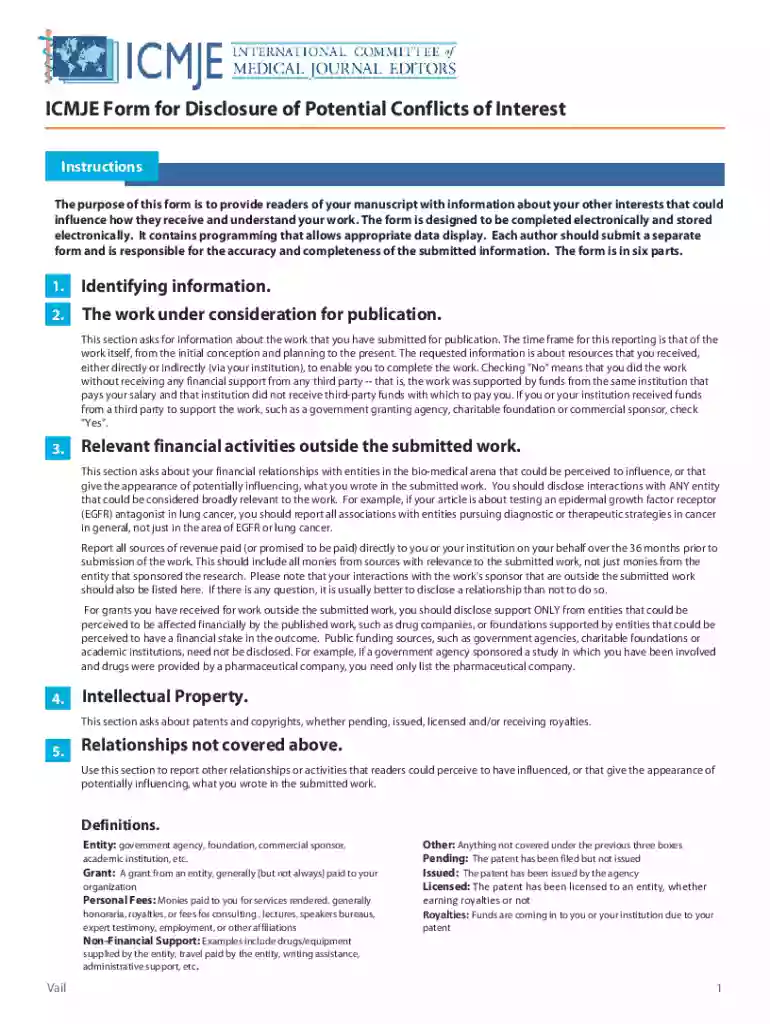
Type text, add images, blackout confidential details, add comments, highlights and more.

Draw your signature, type it, upload its image, or use your mobile device as a signature pad.

Send it via email, link, or fax. You can also download it, export it or print it out.

Start using our platform today for free and streamline your form completion process!
Sure, a typed name is accepted as a valid electronic signature when you add it to your form utilizing a compliant solution like DocHub. Simply import your ICMJE Form for Disclosure of Potential Conflicts of Interest - LWW.com to our editor, click Sign in the top tool pane → Create your signature → Type your name in the appropriate tab, and decide how it will appear on your document.
If you are looking for a state-specific ICMJE Form for Disclosure of Potential Conflicts of Interest - LWW.com sample, you will find it in our DocHub Forms & Templates catalog. Use the search field, key in your form’s name, and search through the results for your state. You can also filter out irrelevant results while browsing our catalog by categories.
At DocHub, your data security is our priority. We follow HIPAA, SOC2, GDPR, and other standards, so you can work on your documents with confidence.
by BJ Piper 2018 Cited by 31 Toward more uniform conflict disclosures-The updated ICMJE conflict of interest reporting form. New England Journal of Medicine 363(2): 188189. [DOI]Read more
The purpose of this form is to provide readers of your manuscript with information about your other interests that could.Read more


