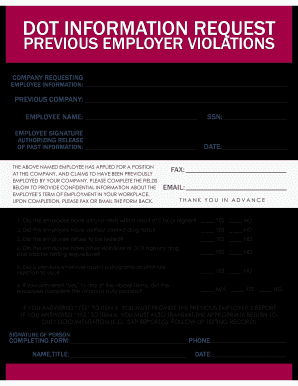
Type text, add images, blackout confidential details, add comments, highlights and more.
02. Sign it in a few clicks
Draw your signature, type it, upload its image, or use your mobile device as a signature pad.
03. Share your form with others
Send it via email, link, or fax. You can also download it, export it or print it out.
How to use or fill out trudoor with our platform
Ease of Setup
DocHub User Ratings on G2
Ease of Use
DocHub User Ratings on G2
Click ‘Get Form’ to open the trudoor document in the editor.
Begin by filling in your company details, including 'Company', 'Contact', and 'Job Name' at the top of the form.
Select the appropriate 'DOOR TYPE' by checking one of the options provided: HOLLOW METAL, SOLID CORE WOOD, or OTHER. If you choose OTHER, specify the type.
Measure and input dimensions for sections A through K. Ensure accuracy for door height, frame width, hinge cutouts, lock prep centerline, and other specifications.
Indicate the FIRE RATING by selecting one of the options available (20, 45, 60, 90, or 3 HR).
Complete any additional selections for LITE KIT and LOUVER SIZE as applicable.
Specify hardware requirements by checking relevant boxes and providing details where necessary.
Use the NOTES / ADDITIONAL INFO section to add any extra information that may be important for your order.
Start using our platform today to streamline your form completion process for free!
Trudoor locksTrudoor reviewsTrudoor complaintsTrudoor door hardwareTrudoor quoteTrudoor discount code first orderTrudoor closersTrudoor hinge locations
Security and compliance
At DocHub, your data security is our priority. We follow HIPAA, SOC2, GDPR, and other standards, so you can work on your documents with confidence.
Cookie consent notice
This site uses cookies to enhance site navigation and personalize your experience.
By using this site you agree to our use of cookies as described in our Privacy Notice.
You can modify your selections by visiting our Cookie and Advertising Notice.