Type text, add images, blackout confidential details, add comments, highlights and more.
02. Sign it in a few clicks
Draw your signature, type it, upload its image, or use your mobile device as a signature pad.
03. Share your form with others
Send site dochub com via email, link, or fax. You can also download it, export it or print it out.
How to use or fill out FLR(IR) - Butterworths with our platform
Ease of Setup
DocHub User Ratings on G2
Ease of Use
DocHub User Ratings on G2
Click ‘Get Form’ to open the FLR(IR) - Butterworths in the editor.
Begin by filling out Section 1, which requires your personal details. Ensure you provide your full name, date of birth, and contact information accurately.
In Section 2, list any dependants applying with you. Include their names, dates of birth, and relationship to you. Remember to attach their photographs as specified.
Complete Section 3 by selecting the category under which you are applying for leave to remain. This is mandatory for processing your application.
Proceed to Section 4 and ensure that you enroll your biometric information as required. This step is crucial for the validity of your application.
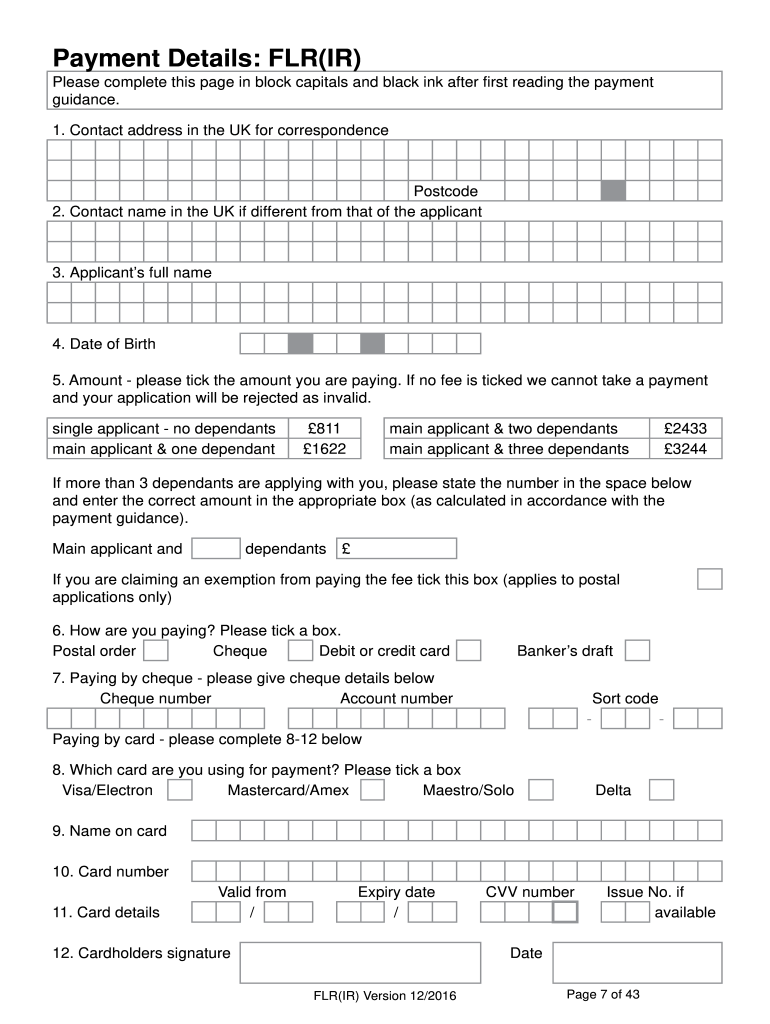
Fill out Sections 5 through 11 carefully, providing all necessary financial details and declarations. Review each section thoroughly before submission.
Start using our platform today for free to streamline your FLR(IR) application process!
Flr ir butterworths reviewsFlr ir butterworths visa extensionFlr ir butterworths redditFLR (HRO)FLR visa for studentsFurther Leave to Remain spouseWho can apply for FLR visa in UKFLR visa UK processing times
Security and compliance
At DocHub, your data security is our priority. We follow HIPAA, SOC2, GDPR, and other standards, so you can work on your documents with confidence.
Advancements in Interventional Radiology for Managing
by SS Bothara 2024 Cited by 2 This comprehensive review explores the latest IR techniques, including transjugular intrahepatic portosystemic shunt (TIPS), balloon-occluded retrogradeRead more
Cookie consent notice
This site uses cookies to enhance site navigation and personalize your experience.
By using this site you agree to our use of cookies as described in our Privacy Notice.
You can modify your selections by visiting our Cookie and Advertising Notice.